Seedream 3.0 – 字节推出的 AI 图片生成模型,精准生成复杂中文内容
发布日期:2025-04-25
Seedream 3.0是什么 Seedream 3.0(即梦3.0)是字节跳动推出的AI图片生成模型,...

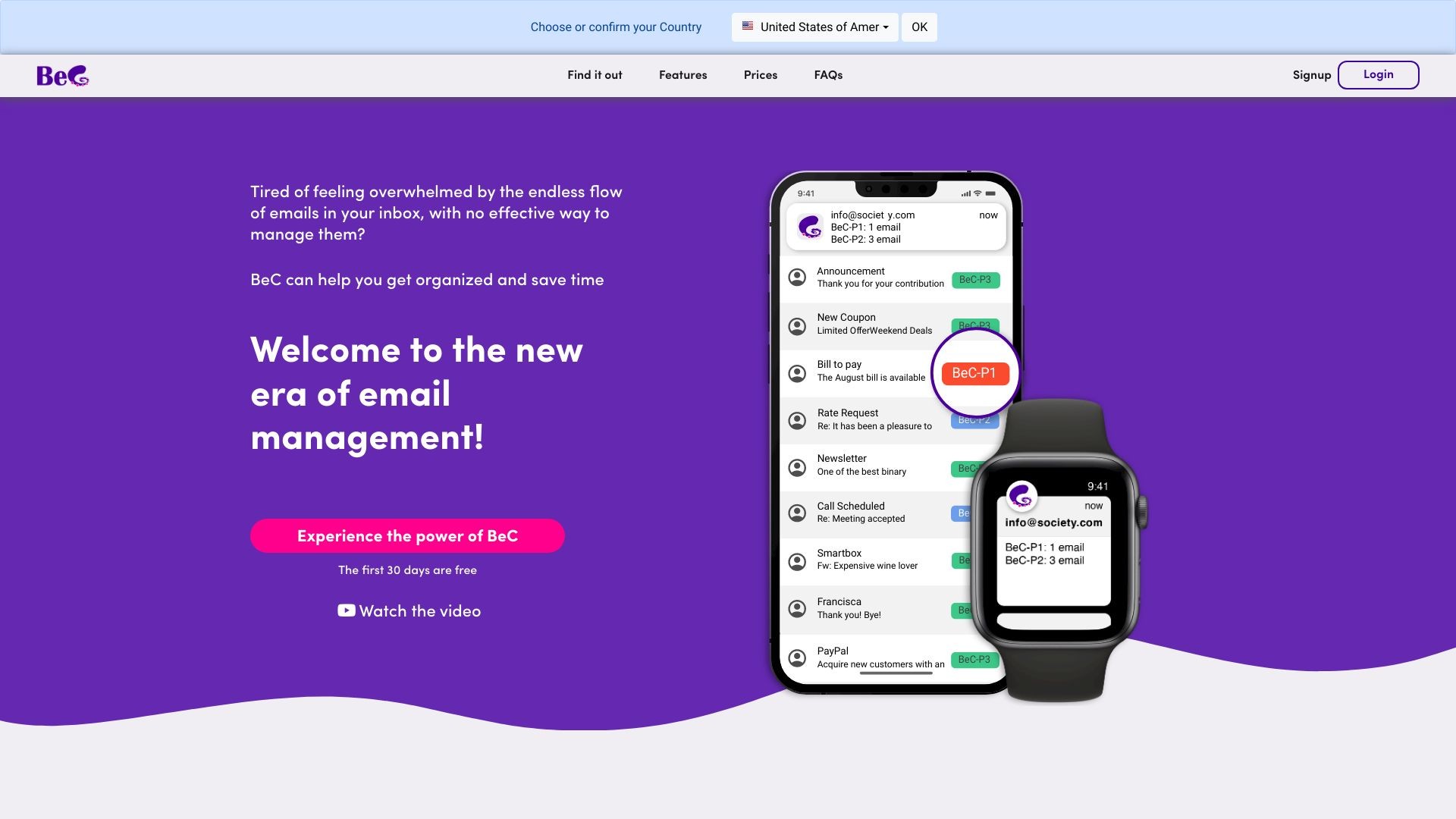
BeC is an AI service for email classification and notification based on priority.
发布日期:2025-04-25
Seedream 3.0是什么 Seedream 3.0(即梦3.0)是字节跳动推出的AI图片生成模型,...
发布日期:2025-04-25
Quasar Alpha是什么 Quasar Alpha 是支持 100 万 token 的超大上下文窗口的预发...
发布日期:2025-04-25
KLING AI是什么 KLING AI(可灵AI国际版) 是快手推出的AI 创意工具。基于强大...
发布日期:2025-04-25
Krillin AI是什么 Krillin AI 是基于大型语言模型(LLMs)的视频翻译、配音和语...
发布日期:2025-04-25
Nova Sonic是什么 Nova Sonic 是亚马逊推出的新型生成式 AI 语音模型。将语音理...
发布日期:2025-04-25
扣子罗盘是什么 扣子罗盘是专为个人开发者及创业团队设计的工具平台,支持开发...
发布日期:2025-04-25
DeepCoder-14B-Preview是什么 DeepCoder-14B-Preview 是 Agentica 和 Together...
发布日期:2025-04-25
Cloudflare Agents是什么 Cloudflare Agents 是用在构建智能代理(Agent)的平...
发布日期:2025-04-25
Miracle F1是什么 Miracle F1 是美图 WHEE 推出的全新AI图像生成模型。具备强大...
发布日期:2025-04-25
EasyControl是什么 EasyControl 是 Tiamat AI 开源的基于扩散变换器(Diffusion...
What is BeC?
BeC is a service that uses artificial intelligence to automatically classify and organize your emails based on their priority. It also provides personalized notifications for important emails.
How to use BeC?
To use BeC, you simply need to sign up for an account and add your email address. BeC will automatically integrate with your existing email provider and client. It will then start processing and categorizing your incoming emails based on your chosen priority levels. You can also customize your notification settings to only receive alerts for important emails on specific devices.
BeC's Core Features
Automatic email classification and organization based on priority
Personalized notifications for important emails
Integration with existing email provider and client
Support for multiple languages
Customizable priority levels
Cumulative notifications for multiple priority emails
Ability to set notifications for different devices
BeC's Use Cases
#1
Efficiently manage a large volume of work-related emails
#2
Separate important emails from advertisements and newsletters in personal mailbox
#3
Avoid distractions and stay focused on important tasks
#4
Easily find and prioritize emails related to specific projects or clients
#5
Simplify the management of multiple email accounts
FAQ from BeC
How does BeC classify emails?
Can I customize the priority levels in BeC?
Can I set notifications for different devices?
Does BeC support multiple languages?
Is BeC compatible with all email providers?
BeC Support Email & Customer service contact & Refund contact etc.
More Contact, visit
the contact us page(https://www.bec-ai.com/contactus)
BeC Company
BeC Company name:
IANUSTEC SRL
.
BeC Login
BeC Login Link:
https://app.bec-ai.com
BeC Sign up
BeC Sign up Link:
https://www.bec-ai.com/signup
BeC Pricing
BeC Pricing Link:
https://www.bec-ai.com/#pricing
BeC Facebook
BeC Facebook Link:
https://www.facebook.com/BeC-by-Ianustec-106564125480216
BeC Youtube
BeC Youtube Link:
https://www.youtube.com/channel/UCAwS8mLOfAaYLVIYgF7z84w
BeC Linkedin
BeC Linkedin Link:
https://www.linkedin.com/company/ianustec
BeC Instagram
BeC Instagram Link:
https://www.instagram.com/BeC.by.Ianustec/