WriteGPT
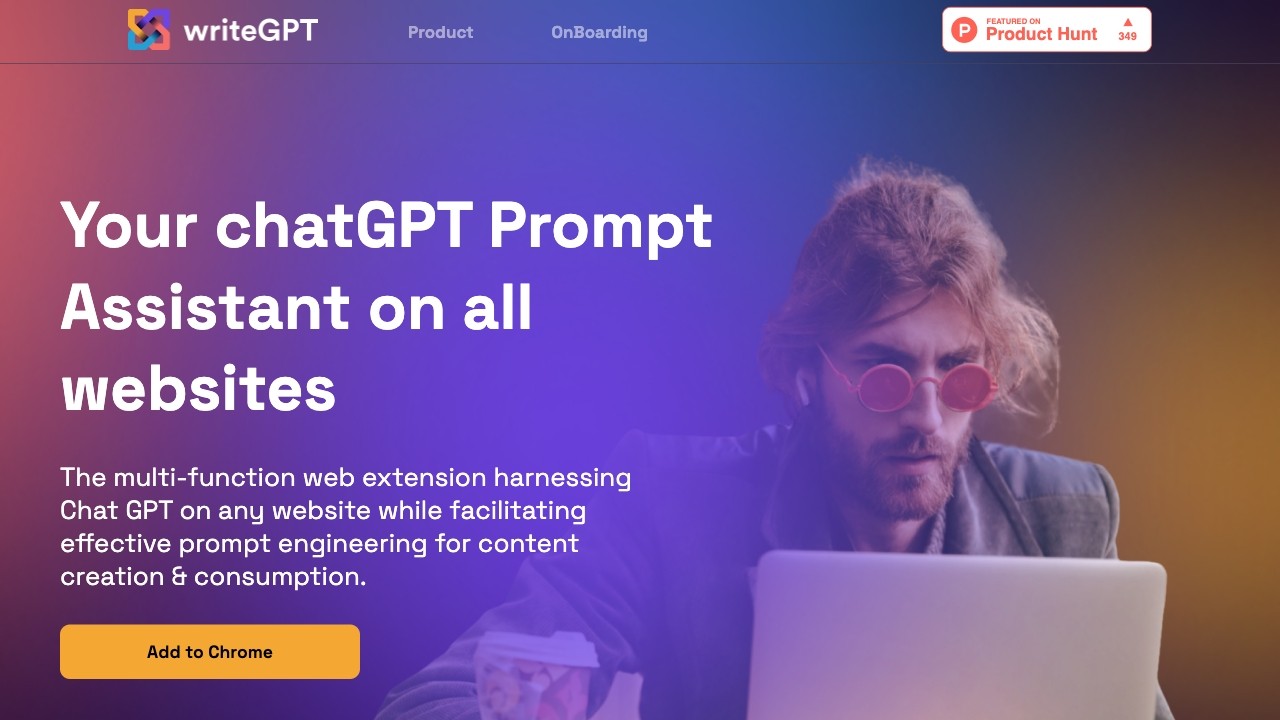
Enhance browsing efficiency and optimize content creation with writeGPT web extension.
软件新闻
暂无相关新闻。
使用指南
What is writeGPT - OpenAI's GPT prompt assistant?
writeGPT is a multi-function web extension designed to enhance browsing efficiency and optimize content creation and consumption. It harnesses the power of Chat GPT on any website, allowing users to easily rewrite, reposition, and summarize content, automatically write or reply to emails, research flawlessly, review code, and even translate on the spot. With facilitated prompt engineering, users can customize their outputs based on their needs, context, goals, product, audience, and style.
How to use writeGPT - OpenAI's GPT prompt assistant?
To use writeGPT, simply install the web extension on Google Chrome. Once installed, you can activate the extension on any website by selecting the content you want to work with and pressing 'Command + E' on MacOS or 'CTRL + Y' on Windows. The extension will then provide suggestions and options for rewriting, summarizing, replying to emails, and more. Users can also access the mobile version of writeGPT by accessing the website from their mobile browser.
writeGPT - OpenAI's GPT prompt assistant's Core Features
Harness GPT for vast use-cases on any website
Rewrite and reposition any content
Write or reply to emails automatically
Summarize any article or content source
Research flawlessly
Fix and review code
Translate on the spot
Assisted prompt writing
writeGPT - OpenAI's GPT prompt assistant's Use Cases
#1
Content creation and consumption
#2
Email automation
#3
Article summarization
#4
Efficient research
#5
Code review and fixing
#6
On-the-spot translation
FAQ from writeGPT - OpenAI's GPT prompt assistant
How do you plan to expand the prompt engineering stuff?
What use cases are writeGPT supporting?
What are the differences between writeGPT & ChatGPT?
How do you open the extension?
How does writeGPT ensure data privacy?
Which model/technology does writeGPT use?
writeGPT - OpenAI's GPT prompt assistant Support Email & Customer service contact & Refund contact etc.
Here is the writeGPT - OpenAI's GPT prompt assistant support email for customer service:
[email protected]
.
More Contact, visit
the contact us page(mailto:
[email protected]
)
writeGPT - OpenAI's GPT prompt assistant Company
writeGPT - OpenAI's GPT prompt assistant Company name:
WriteGPT
.
More about writeGPT - OpenAI's GPT prompt assistant, Please visit
the about us page(https://writegpt.ai/about-us)
.
writeGPT - OpenAI's GPT prompt assistant Pricing
writeGPT - OpenAI's GPT prompt assistant Pricing Link:
https://writegpt.ai/pricing
writeGPT - OpenAI's GPT prompt assistant Youtube
writeGPT - OpenAI's GPT prompt assistant Youtube Link:
https://www.youtube.com/channel/UCbi9wweFwROOtxqrX7YE74w
writeGPT - OpenAI's GPT prompt assistant Linkedin
writeGPT - OpenAI's GPT prompt assistant Linkedin Link:
https://www.linkedin.com/company/writegptai/
writeGPT - OpenAI's GPT prompt assistant Twitter
writeGPT - OpenAI's GPT prompt assistant Twitter Link:
https://twitter.com/write_GPT
writeGPT - OpenAI's GPT prompt assistant Instagram
writeGPT - OpenAI's GPT prompt assistant Instagram Link:
https://www.instagram.com/writegpt.ai/