What is Voice Out?
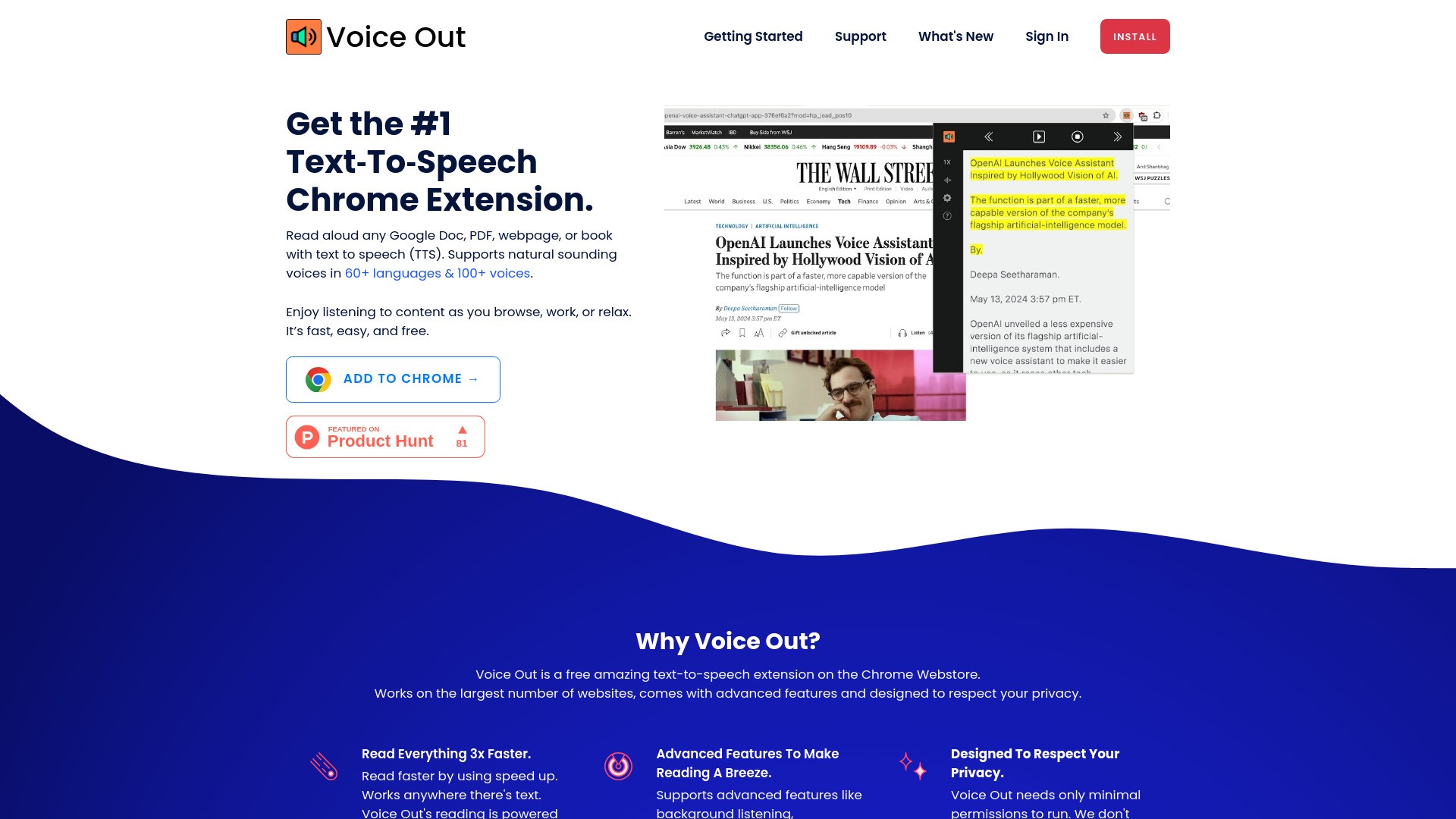
Voice Out is a text-to-speech extension available on Chrome that enables users to listen to any content on webpages, Google Docs, PDFs, or books through the use of speech synthesis. It supports over 100 voices in more than 60 languages, making it a versatile tool for reading aloud and enhancing reading experiences.
How to use Voice Out?
To use Voice Out, simply install the Chrome extension, open a webpage, Google Doc, PDF, or ebook that you want to listen to, then click on the Voice Out button to start the text-to-speech function. Enjoy listening to the content as you browse, work, or relax.
Voice Out's Core Features
Read aloud any Google Doc, PDF, webpage, or book with text to speech in 60+ languages & 100+ voices
Advanced features like background listening, highlighting, speed control, and more
Designed to work seamlessly across various websites while respecting user privacy
Voice Out's Use Cases
#1
Enhancing reading experiences by listening to content while reading along
#2
Boosting language skills for non-native speakers through audio learning
#3
Improving editing process by catching errors audibly
FAQ from Voice Out
Is Voice Out free to use?
Does Voice Out support multiple devices?
Voice Out Company
Voice Out Company name:
Dictanote
.
Voice Out Login
Voice Out Login Link:
https://voiceout.app/accounts/login/?next=/
Voice Out Youtube
Voice Out Youtube Link:
https://www.youtube.com/channel/UClaiE-1IuqhlTUSzF7MeVfA
Voice Out Linkedin
Voice Out Linkedin Link:
https://www.linkedin.com/company/dictanote/
Voice Out Twitter
Voice Out Twitter Link:
https://twitter.com/VoiceInApp