What is VisionStory AI?
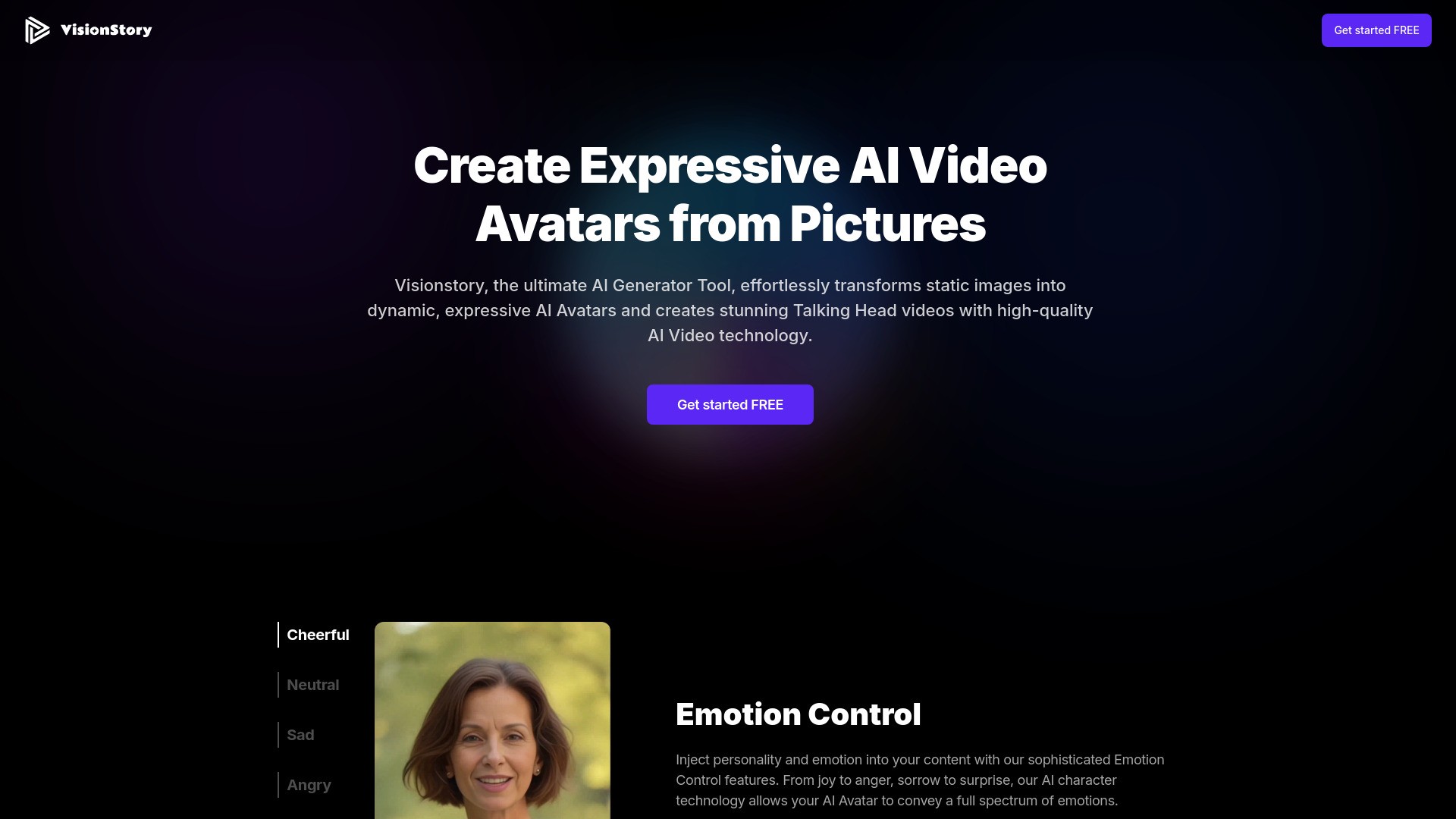
VisionStory AI effortlessly transforms static images into dynamic, expressive avatars and creates stunning talking videos. It generates high-resolution videos, allows for dynamic facial expressions and movements tailored to various scenarios.
How to use VisionStory AI?
To use VisionStory AI, follow these steps: (1) Upload a photo to create an avatar. (2) Input your script, or use an audio file. (3) Select from 100+ voices available in 100+ languages, or clone your own voice. (4) Choose settings like aspect ratio, emotion, green screen, and more. (5) Submit to generate videos, enjoy a generation speed of up to 2x, and video length up to 10 minutes.
VisionStory AI's Core Features
AI-Generated Videos from Photos and Text or Audio
Customize Your Own Avatars from Photos
High Detailed Fidelity and Video Quality
Masterfully Control Facial Dynamics for Various Scenarios
2x Speed Up for Quick Iterations and Interactive Content
Voice Clone and 100+ Preset Voices in 100+ Languages
Various Aspect Ratios Perfect for any Platform
VisionStory AI's Use Cases
#1
Marketing Videos
#2
Content Creation for Youtuber and TikToker
#3
Training Materials
#4
AI Chatbot
FAQ from VisionStory AI
Can I create my own avatar for free?
How long does it take to generate a video?
How many voices and languages are available?
Can I clone my own voice?
What aspect ratios do you provide?
What is the max video length?
VisionStory AI Support Email & Customer service contact & Refund contact etc.
Here is the VisionStory AI support email for customer service:
[email protected]
.