Mistral AI重磅升级Le Chat:语音识别与深度研究工具如何重塑AI助手体验?
发布日期:2025-07-17
Mistral AI近日为其聊天机器人Le Chat推出多项突破性功能更新,包括媲美人类的语音交互能力、结构化深度研究模式以及跨语言思维推理。这些升级让AI助手从简单问答工具进化为能处理复杂任务的智能伙伴,本文将深度解析其技术亮点与应用场景。

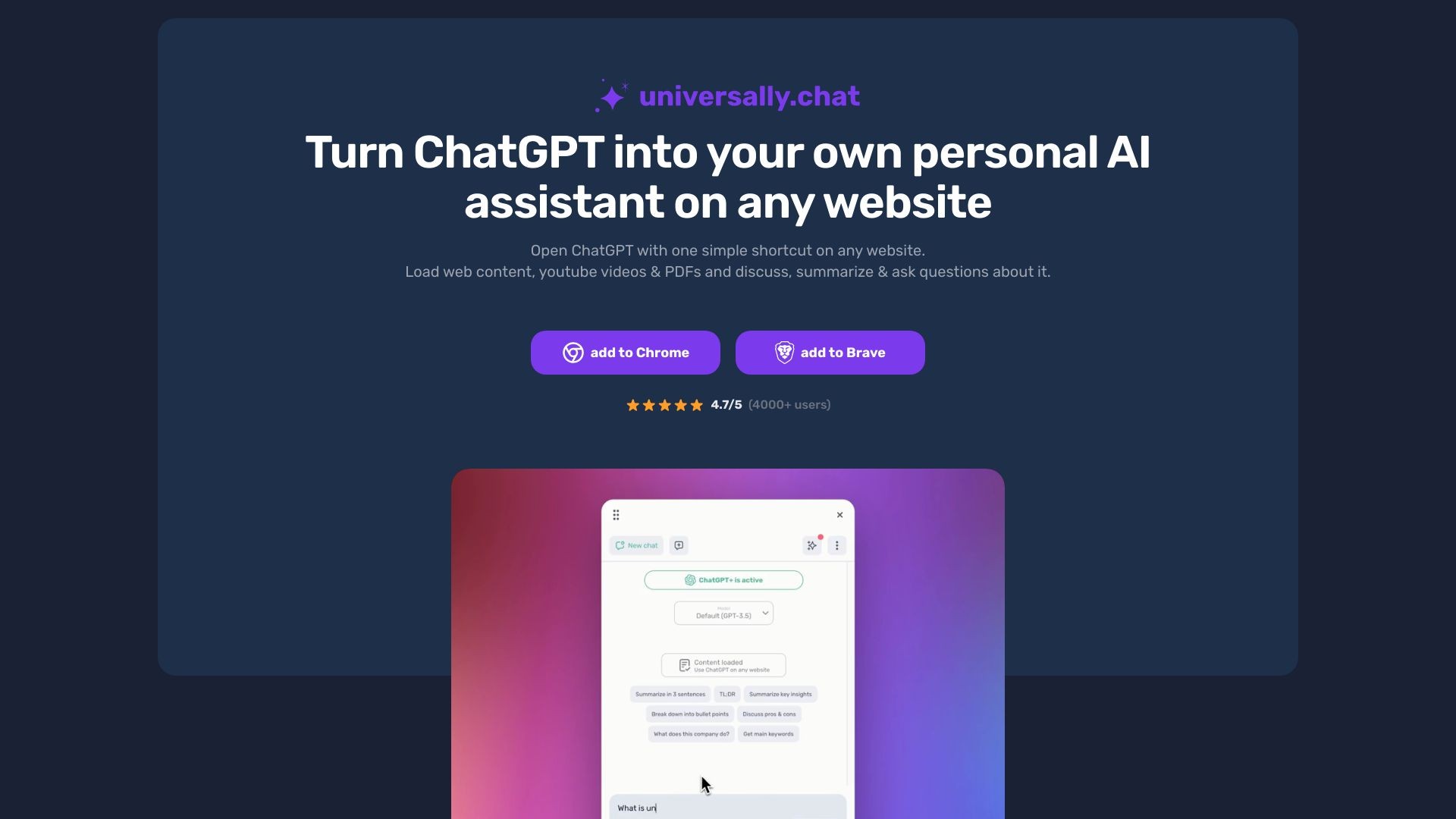
Use Universally to turn ChatGPT into your personal AI assistant on any website.
发布日期:2025-07-17
Mistral AI近日为其聊天机器人Le Chat推出多项突破性功能更新,包括媲美人类的语音交互能力、结构化深度研究模式以及跨语言思维推理。这些升级让AI助手从简单问答工具进化为能处理复杂任务的智能伙伴,本文将深度解析其技术亮点与应用场景。
What is Universally?
Universally is a chrome extension that allows users to use ChatGPT as their own personal AI assistant on any website. With a simple shortcut, users can open ChatGPT and load articles, YouTube videos, and PDFs to discuss, summarize, and ask questions about the content.
How to use Universally?
To use Universally, simply add the chrome extension to your browser. Once installed, press Alt+u to open the ChatGPT window on any website. You can customize the shortcut to your preference. In the chat window, you can load web content, YouTube videos, and PDFs to engage in discussions, summaries, and questions about the loaded content. The chat window can be moved and resized freely within your browser.
Universally's Core Features
Open ChatGPT on any website with a simple shortcut
Load articles, YouTube videos, and PDFs for discussion, summarization, and questions
Customizable shortcuts for convenience
Privacy-focused, data stored locally in the browser
Integration with ChatGPT Account or OpenAI API
Clean and user-friendly interface
Universally's Use Cases
#1
Engage in discussions and ask questions about articles, videos, and PDFs on any website
#2
Summarize and analyze web content using AI assistance
#3
Quickly access ChatGPT features in a browser extension
#4
Utilize AI assistant for research, learning, and information gathering
FAQ from Universally
What benefits do I get with the paid premium plan?
How often can I use the premium key?
Can I test the premium features for free beforehand?
Will my chat data be stored on an additional server?