This one feature could make GPT-5 a true game changer (if OpenAI gets it right)
发布日期:2025-08-01
GPT-5's launch is around the corner, and here's why it's so exciting for users.

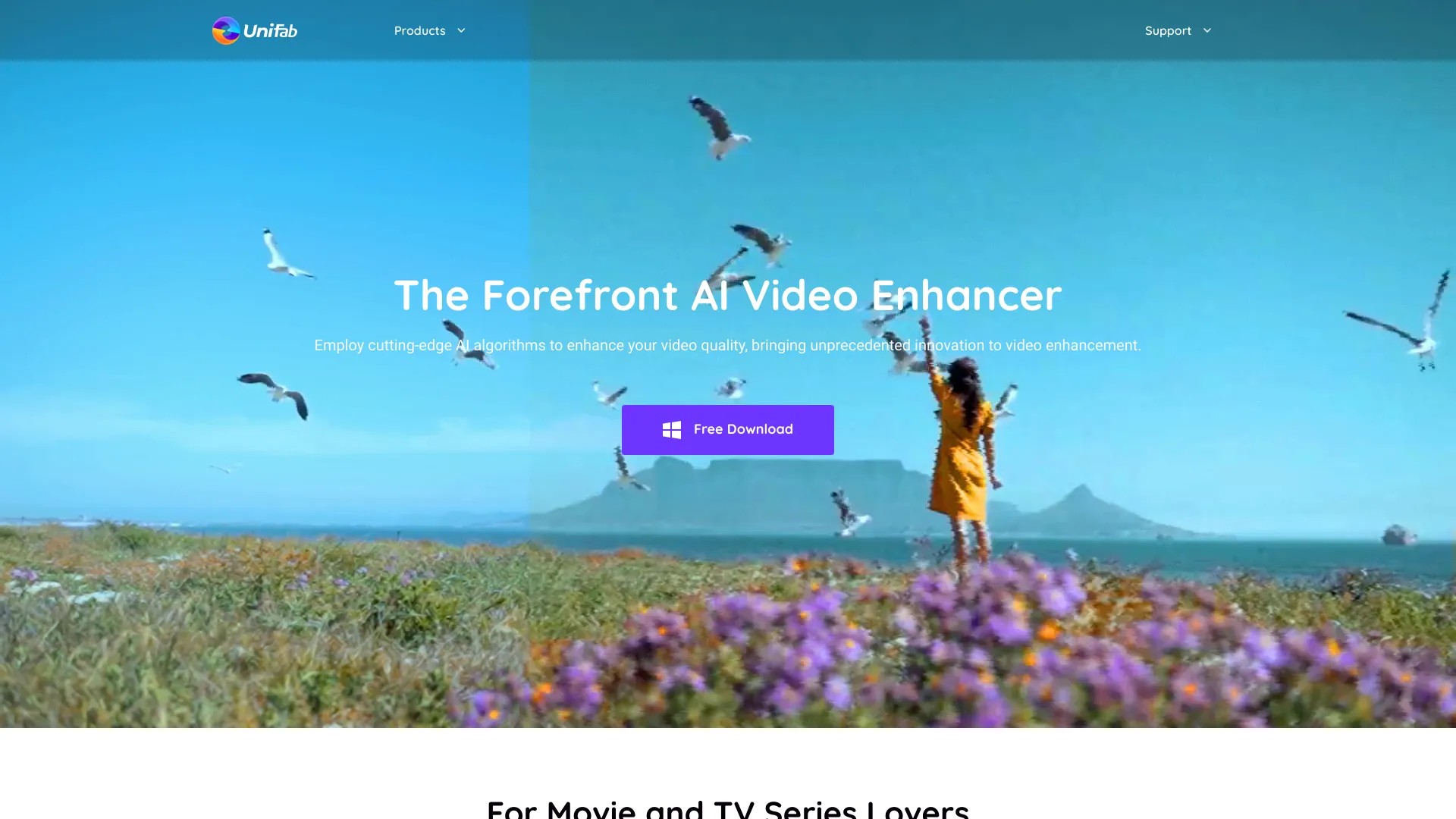
Video upscaling, SDR to HDR, smoother
发布日期:2025-08-01
GPT-5's launch is around the corner, and here's why it's so exciting for users.
发布日期:2025-07-31
All of the upcoming features are built to make finding fresh content easier.
What is UniFab?
AI-powered 8-in-1 comprehensive video processing tool, editing and enhancing your video/audio quality by upscaling video resolution up to 4K and upmixing audio to DTS 7.1 surround sound.
How to use UniFab?
Download and install UniFab on your device. Open the software and import your video/audio files. Choose the desired enhancement options such as video upscaling, SDR to HDR, or smoother. Click on the process button and wait for the software to enhance your video/audio quality. Preview and save the enhanced files.
UniFab's Core Features
Video upscaling
SDR to HDR
Smoother
UniFab's Use Cases
#1
Enhancing old home videos
#2
Creating cinematic-level projects
#3
Improving video quality for engaging visuals
FAQ from UniFab
What is UniFab?
UniFab Company
More about UniFab, Please visit
the about us page(https://unifab.ai/about.htm)
.
UniFab Youtube
UniFab Youtube Link:
https://www.youtube.com/@UniFabofficial