软件新闻
暂无相关新闻。
使用指南
What is UIsnapper?
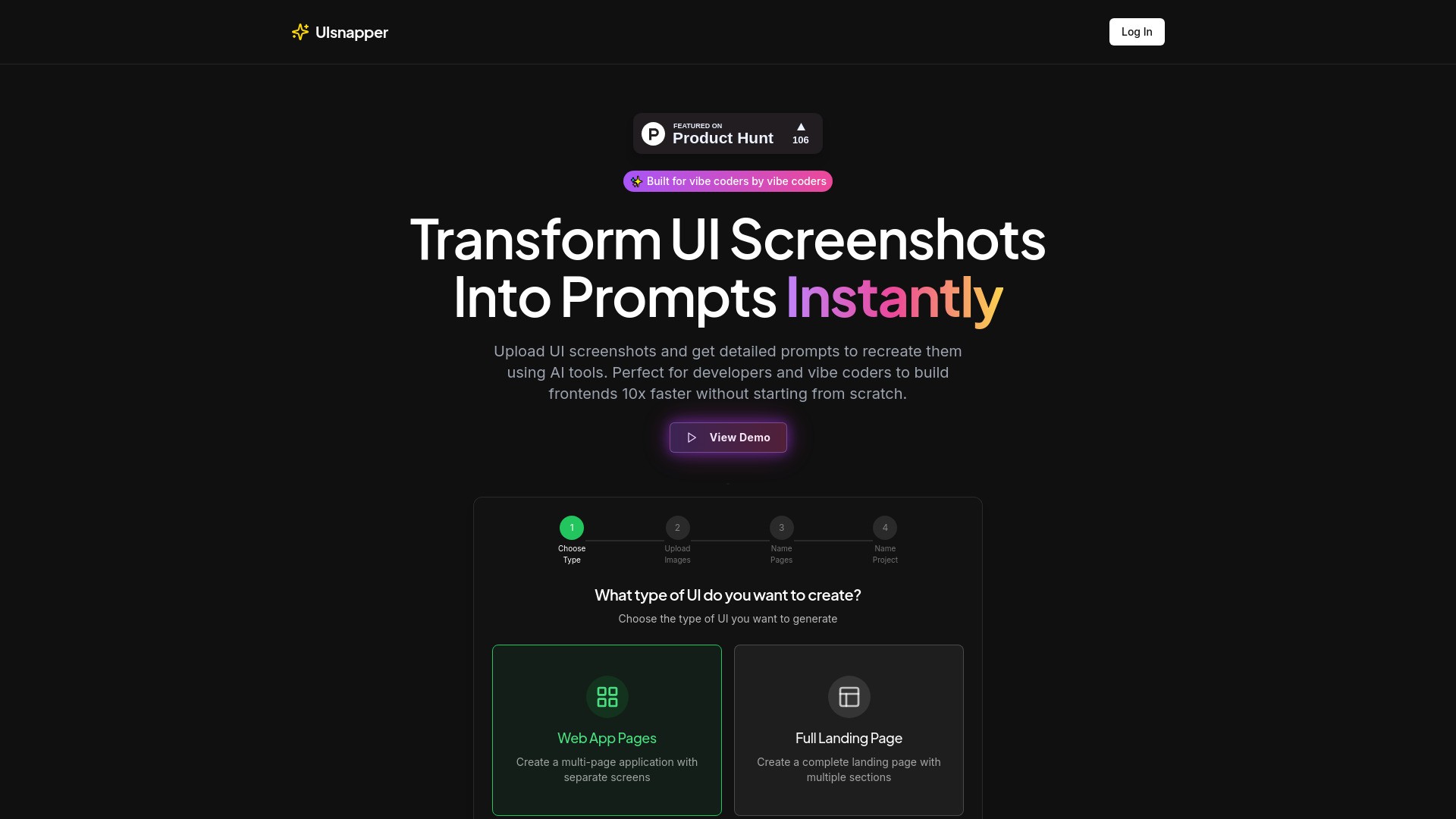
UIsnapper converts any UI screenshot into detailed AI-generated prompts for tools like Lovable or Cursor, enabling fast and easy cloning of websites and apps without coding. It helps developers and 'vibe coders' build frontends 10x faster by transforming UI screenshots into ready-to-use prompts for AI coding tools like Cursor, v0, and Lovable.
How to use UIsnapper?
To use UIsnapper, you first choose the type of UI you want to create (Web App Pages or Full Landing Page). Then, you upload your UI screenshots. After uploading, you name the pages and the project. UIsnapper will then generate detailed prompts from these screenshots, which can be used with AI tools to recreate the UI.
UIsnapper's Core Features
UI Analysis: Upload any UI screenshot and get detailed analysis of colors, typography, spacing, and component structures.
Prompt Generation: Automatically generate precise prompts that you can use with AI tools to recreate the exact UI elements.
Follow-up Chat: Refine your designs with an AI assistant that understands your UI context and can answer specific questions.
UIsnapper's Use Cases
#1
Cloning websites and apps without coding.
#2
Building frontends 10x faster without starting from scratch.
#3
Recreating UI designs using AI tools like Cursor, v0, and Lovable.
#4
Analyzing UI screenshots for design elements like colors, typography, and component structures.
FAQ from UIsnapper
What can I create with UIsnapper?
How accurate are the analysis results?
What file formats are supported?
Do I need coding experience?
Is there a limit to how many images I can analyze?
UIsnapper Company
UIsnapper Company name:
UIsnapper
.
UIsnapper Login
UIsnapper Login Link:
https://www.producthunt.com/products/uisnapper?embed=true&utm_source=badge-featured&utm_medium=badge&utm_source=badge-uisnapper
UIsnapper Twitter
UIsnapper Twitter Link:
https://x.com/TihamTahir