Twitter Bookmarks
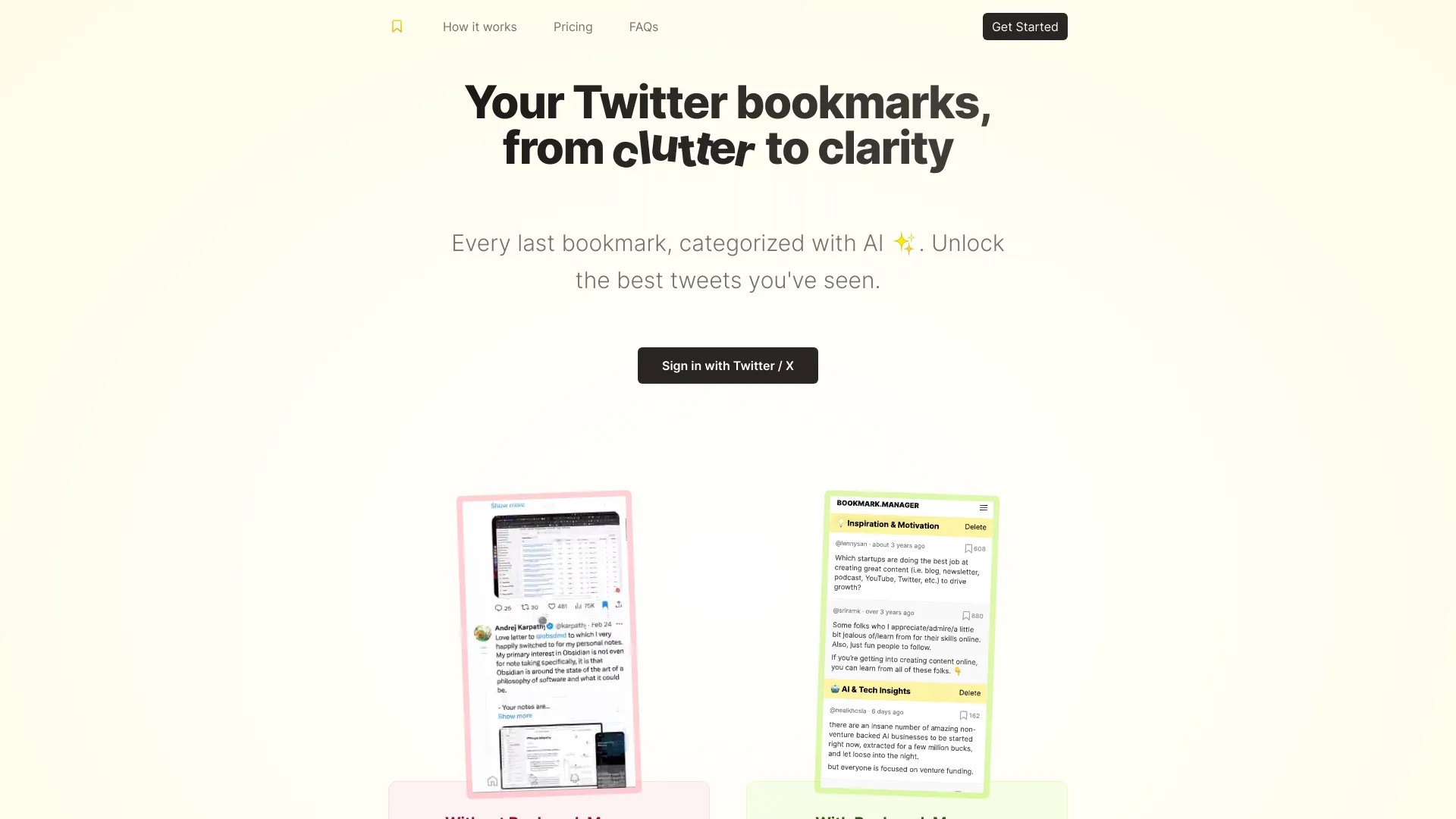
Transform Twitter bookmark clutter into clarity.
软件新闻
暂无相关新闻。
使用指南
What is Bookmarks Manager?
Bookmarks Manager is a powerful tool that helps you transform cluttered Twitter bookmarks into organized and actionable insights.
How to use Bookmarks Manager?
1. Import your Twitter bookmarks into Bookmarks Manager.
2. Categorize your bookmarks using relevant tags.
3. Search and filter your bookmarks based on tags or keywords.
4. Act on the insights you've gathered from your categorized bookmarks.
Bookmarks Manager's Core Features
Import Twitter Bookmarks
Categorize Bookmarks
Search and Filter Bookmarks
Bookmarks Manager's Use Cases
#1
Stay updated with the latest industry trends by bookmarking relevant tweets and categorizing them for easy reference.
#2
Track your competitors by bookmarking their tweets and organizing them into specific categories.
#3
Gather insights for content creation by saving and categorizing valuable tweets that inspire you.
FAQ from Bookmarks Manager
Can I import bookmarks from other platforms?
Is Bookmarks Manager free?
Can I access Bookmarks Manager on mobile devices?
Bookmarks Manager Pricing
Bookmarks Manager Pricing Link:
https://twitterbookmarks.com/#pricing
Bookmarks Manager Twitter
Bookmarks Manager Twitter Link:
https://twitter.com/omarz9