texts.com
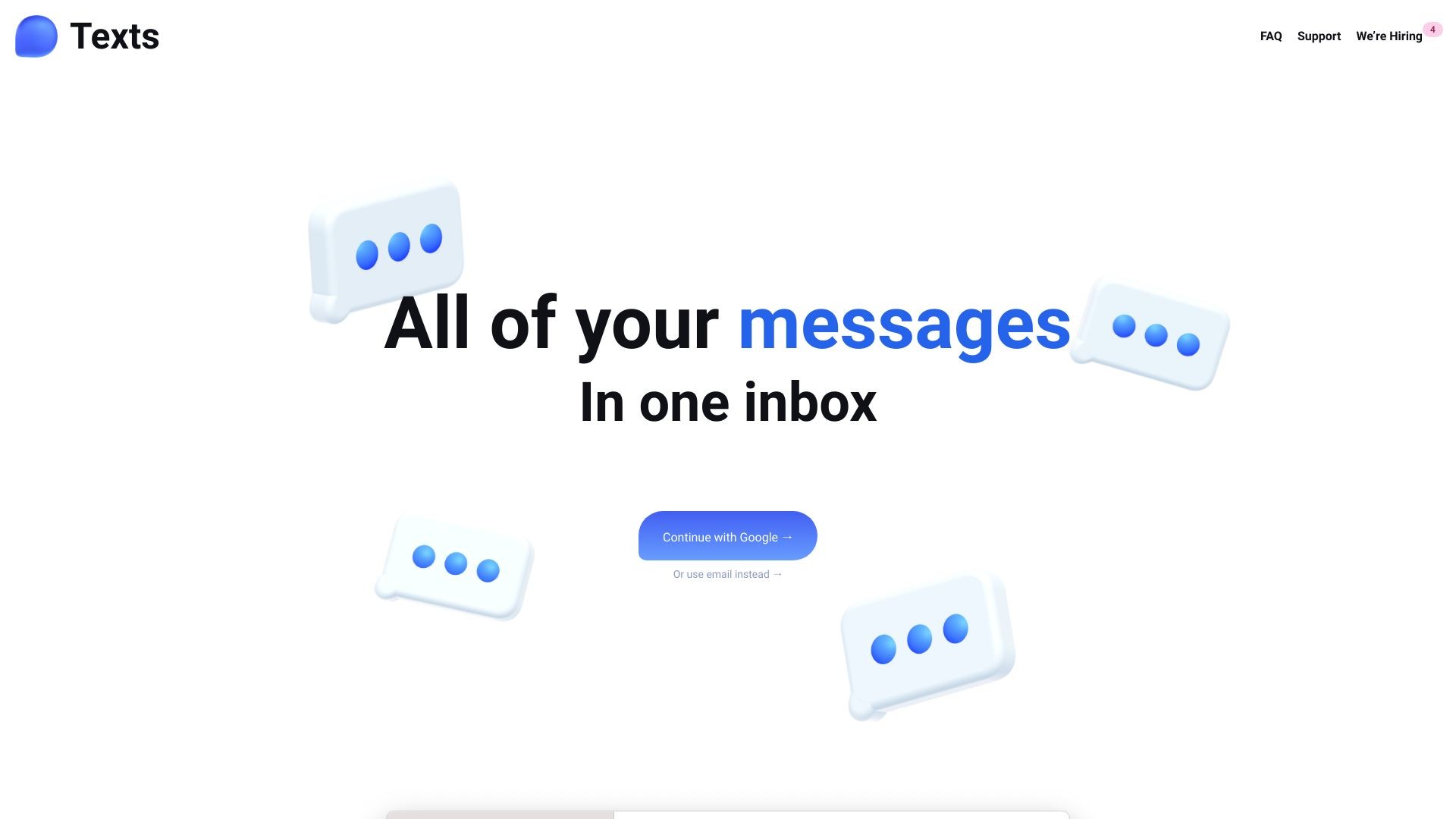
Texts is a messaging app that combines multiple platforms and prioritizes privacy.
软件新闻
暂无相关新闻。
使用指南
What is Texts?
Texts is the ultimate messaging app that allows you to send and receive messages from all major messaging platforms in one inbox. It ensures your privacy by encrypting and directly sending your messages to the respective messaging platforms, without storing them on Texts servers. Texts offers a range of features to enhance your messaging experience.
How to use Texts?
To use Texts, you can continue with Google or sign up using your email. Once you're logged in, you can connect your accounts from platforms like iMessage, WhatsApp, Telegram, Signal Messenger, Twitter, Instagram, LinkedIn, Reddit, Google Chat, Slack, and Discord. All your messages from these platforms will be consolidated into the Texts inbox. You can then manage and respond to messages conveniently from a single interface.
Texts's Core Features
Archive conversations to keep your inbox organized and clutter-free.
Mark chats as unread to prioritize and respond to them later.
Schedule messages to be sent at appropriate times based on recipients' activity.
Search all messages easily to find important links, documents, pictures, or videos.
Snooze messages from certain people to delay responding until you're ready.
Enhanced privacy with end-to-end encryption and messages never stored on Texts servers.
Texts's Use Cases
#1
Manage all your personal and professional messages in one unified inbox.
#2
Easily switch between messaging platforms without needing separate apps or accounts.
#3
Efficiently organize and respond to messages with features like archiving, marking as unread, and snoozing.
#4
Save time by scheduling messages to be sent when recipients are most active.
#5
Quickly search and retrieve past conversations or media files from any messaging platform.
FAQ from Texts
How does Texts ensure privacy?
Can I use Texts on multiple devices?
Is there a limit to the number of messaging platforms I can connect to Texts?
Can I customize the appearance of the Texts interface?
Texts Company
Texts Company name:
Texts
.
Texts Login
Texts Login Link:
https://texts.com/login
Texts Pricing
Texts Pricing Link:
https://texts.com/plans
Texts Twitter
Texts Twitter Link:
https://twitter.com/TextsHQ
Texts Instagram
Texts Instagram Link:
https://twitter.com/TextsHQ