Tangia
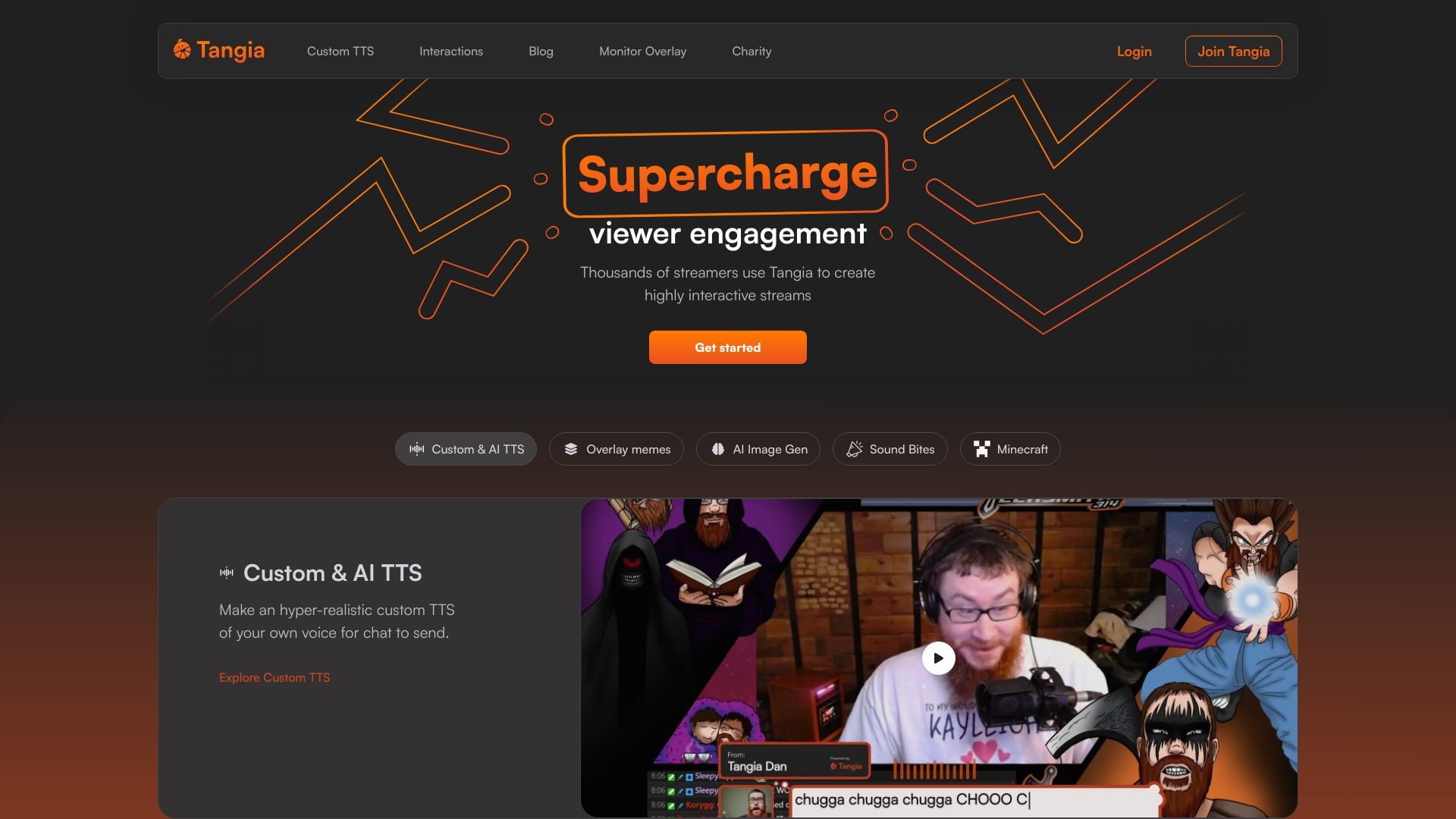
Supercharge chat engagement on your stream.
软件新闻
暂无相关新闻。
使用指南
What is Tangia?
Supercharge chat engagement on your stream with Tangia
How to use Tangia?
Create your account, login with your Twitch or Youtube account, connect Tangia to your stream, and start engaging with your viewers.
Tangia's Core Features
Custom TTS
Interactions
Monitor Overlay
Charity integration
Tangia's Use Cases
#1
Create hyper-realistic custom TTS of your own voice for chat to send
#2
Overlay memes on stream
#3
Use AI image generation model for chat to use on stream
#4
Let viewers replay sound bites from your Twitch clips as sound alerts
#5
Give viewers control in Minecraft game
FAQ from Tangia
What is Tangia?
How does Tangia work?
What are the core features of Tangia?
Can Tangia be used with any streaming software?
What are some use cases of Tangia?
Tangia Discord
Here is the Tangia Discord:
https://discord.com/invite/QXQASJbr3M
.
For more Discord message, please click
here(/discord/qxqasjbr3m)
.
Tangia Support Email & Customer service contact & Refund contact etc.
Here is the Tangia support email for customer service:
[email protected]
.
Tangia Company
Tangia Company name:
Tangia
.
Tangia Login
Tangia Login Link:
https://app.tangia.co/
Tangia Sign up
Tangia Sign up Link:
https://app.tangia.co/signup
Tangia Tiktok
Tangia Tiktok Link:
https://www.tiktok.com/@tangiaco
Tangia Twitter
Tangia Twitter Link:
https://twitter.com/tangiaco