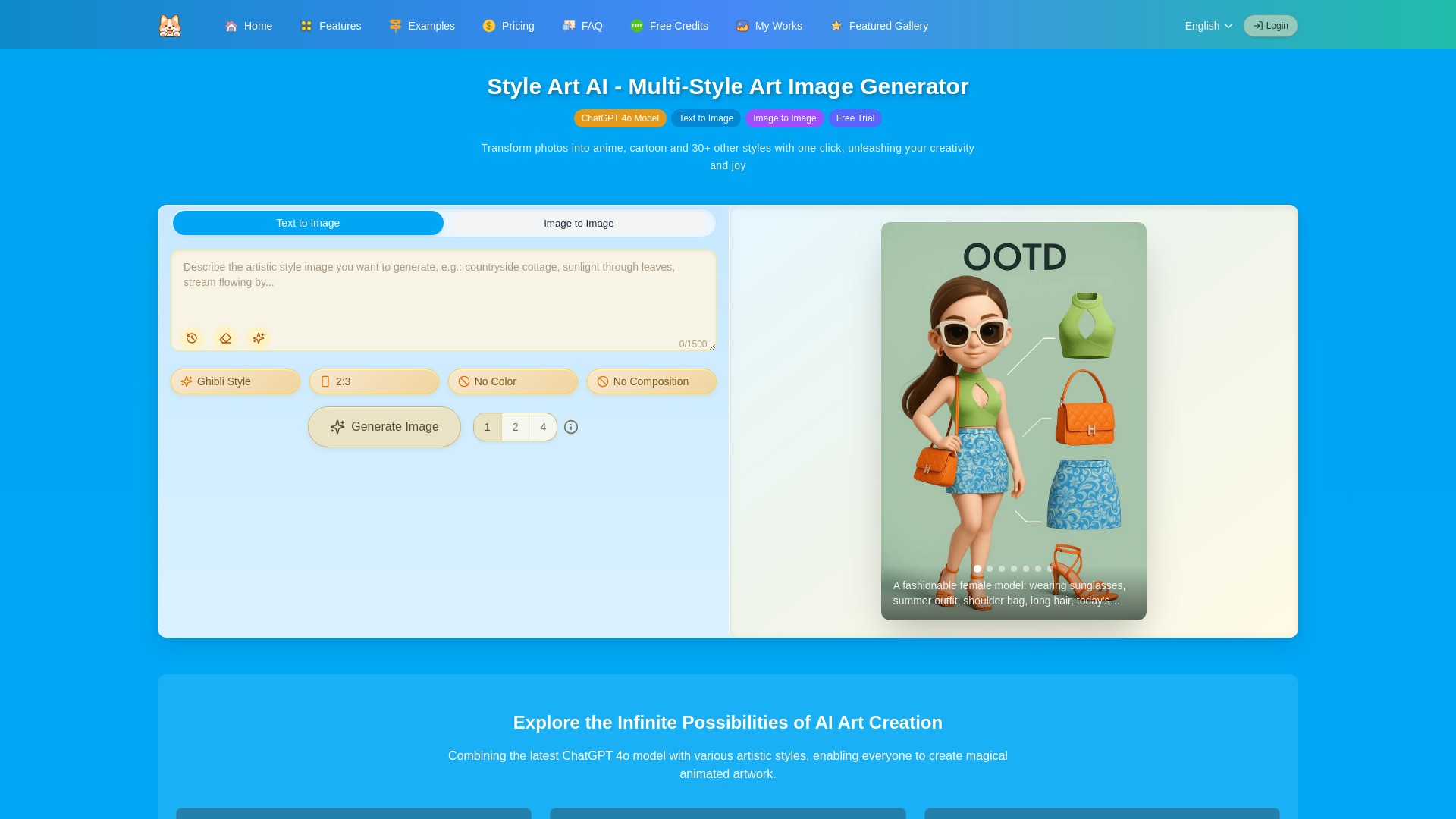
What is Style Art AI?
StyleArt.ai offers:
🎨 A wide variety of styles: Choose from over 40 built-in preset styles or customize your own to suit your unique creative needs. We continuously update with more interesting styles.
🔄 Multiple modes: Supports both text-to-image and image-to-image generation. Easily save and edit your prompts, and get random inspiration prompts to spark your creativity.
✏️ Convenient editing features: Whether it’s your own creations or images from the “Featured Gallery,” you can enter the creative editing mode with just one click, saving you time.
🎁 Generous rewards: New users receive bonus points upon registration, and you can earn free points with daily logins. If your submitted work is selected for the “Featured Gallery,” you’ll receive extra points as a reward.
How to use Style Art AI?
1. Enter a prompt description or upload an image.
2. Set your preferences such as style, image size, color, composition, and the number of images to generate.
3. Click "Generate": Wait for about 2 minutes and the AI will create stunning images for you.
Style Art AI's Core Features
AI generates images in various styles from text and photos.
AI converts images into different styles, such as Ghibli and more.
AI enables virtual clothing try-on.
AI supports face swapping and image enhancement.
Style Art AI's Use Cases
#1
A graphic designer wants to quickly visualize a concept for a client. She types a brief description, such as “a futuristic city at sunset,” selects a watercolor style, and uploads a reference photo. Within minutes, the platform generates several unique images she can present to her client for feedback.
#2
An anime fan uploads a photo of their pet and chooses the “Ghibli” style. The AI transforms the original photo into a whimsical, animated version reminiscent of Studio Ghibli films, perfect for sharing on social media.
#3
A fashion enthusiast uploads a full-body photo and selects several outfits from the platform’s wardrobe. The AI instantly shows how each outfit would look on her, helping her decide what to purchase without visiting a physical store.
#4
A user wants to create a fun family photo by swapping faces among family members. He uploads the photo, selects the faces to swap, and lets the AI process the image. The platform also enhances the photo’s resolution, resulting in a high-quality, entertaining image to share with relatives.
FAQ from Style Art AI
What makes Style Art AI different from other AI art tools?
What is the ChatGPT 4o model?
What is Style Art multi-style?
What else can Style Art AI do besides generating multi-style images?
How long does it take to generate an image?
How long are Style Art AI credits valid?
What types of images can Style Art AI generate?
Do I need drawing skills to use Style Art AI?
How can I improve the quality of generated images?
Why do I get a warning about violating OpenAI content policy?
Does an error in generation deduct credits?
Can Style Art AI-generated images be used commercially?
How can I maintain the uniqueness of my creations?
Is my creative content secure?
How many credits are needed to generate an image?
How many credits does it cost to generate an image?
Why do I only get one image when I selected 2 or 4 images?
I'm a VIP user, why do I sometimes only get one image when I selected 2 or 4 images?
Can I get free credits?
Can I upload multiple images for generating new images?
Is Style Art available on mobile devices?
What should I do if I encounter issues during creation?
How can I participate in community creation?
Style Art AI Support Email & Customer service contact & Refund contact etc.
More Contact, visit
the contact us page()
Style Art AI Company
Style Art AI Company name:
.
Style Art AI Company address:
.
More about Style Art AI, Please visit
the about us page()
.
Style Art AI Login
Style Art AI Login Link:
Style Art AI Sign up
Style Art AI Sign up Link: