ScreenSnapAI
Effortlessly manage macOS screenshots with AI.
软件新闻
暂无相关新闻。
使用指南
What is ScreenSnapAI?
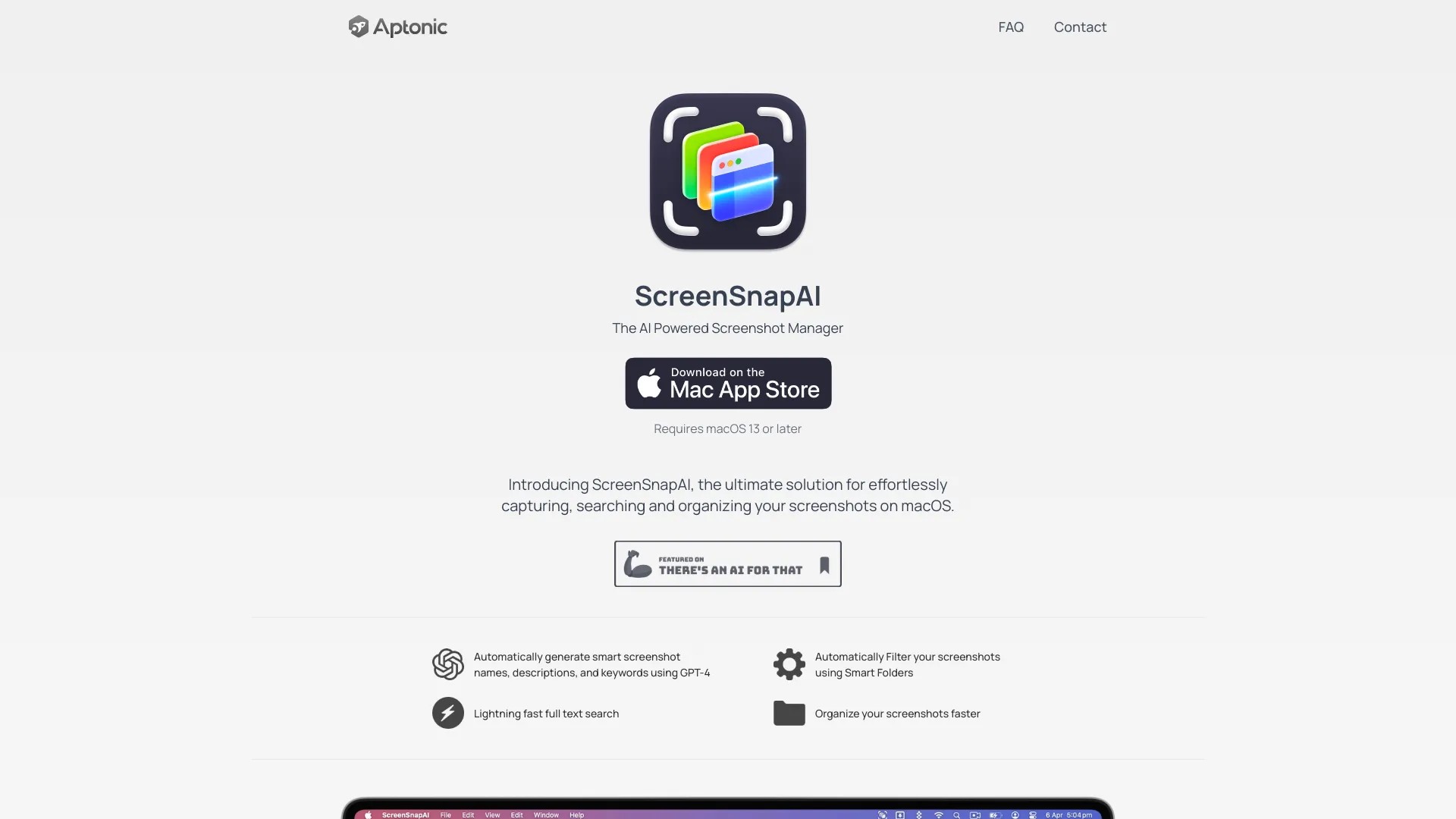
ScreenSnapAI is the ultimate solution for effortlessly capturing, searching and organizing your screenshots on macOS.
How to use ScreenSnapAI?
To use ScreenSnapAI, simply download and install the app from the Mac App Store. Once installed, you can start capturing, searching, and organizing your screenshots with the power of AI.
ScreenSnapAI's Core Features
Automatically generate smart screenshot names, descriptions, and keywords using GPT-4
Automatically filter your screenshots using Smart Folders
Lightning fast full text search
Organize your screenshots faster
ScreenSnapAI's Use Cases
#1
Effortlessly organize a large collection of screenshots
#2
Quickly find specific screenshots using AI-powered search
FAQ from ScreenSnapAI
What is the pricing?
What are the differences between the free and pro versions of ScreenSnapAI?
Can I bring my own OpenAI API key?
Is this available outside the Mac App Store?
ScreenSnapAI Support Email & Customer service contact & Refund contact etc.
Here is the ScreenSnapAI support email for customer service:
[email protected]
.
ScreenSnapAI Company
ScreenSnapAI Company name:
Aptonic LLC
.