五大AI聊天机器人横评:ChatGPT、Gemini与Copilot谁更胜一筹?
发布日期:2025-06-27
本文通过实际对话测试,对比了ChatGPT、Google Gemini、Microsoft Copilot、Meta AI和Grok五款主流AI聊天机器人在相同话题下的表现,深入分析了它们各自的对话优势和不足,帮助读者了解不同AI助手的特性与适用场景。

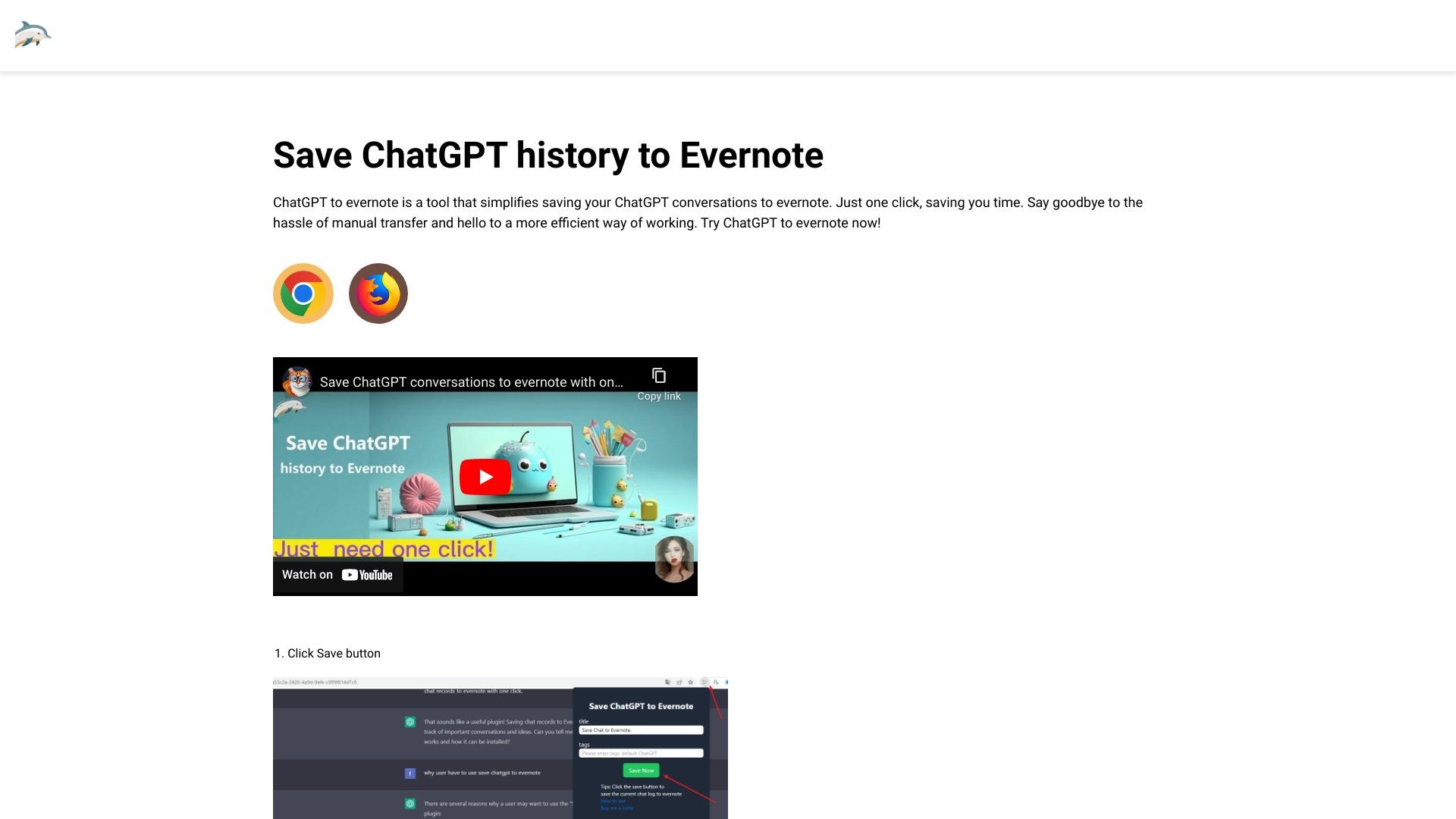
ChatGPT to Evernote is a convenient browser extension for saving and transferring conversations efficiently.
发布日期:2025-06-27
本文通过实际对话测试,对比了ChatGPT、Google Gemini、Microsoft Copilot、Meta AI和Grok五款主流AI聊天机器人在相同话题下的表现,深入分析了它们各自的对话优势和不足,帮助读者了解不同AI助手的特性与适用场景。
发布日期:2025-06-25
最新数据显示,ChatGPT的iOS应用在上月创下了惊人的3000万次下载量,成为全球最受欢迎的应用程序,甚至超越了所有主流社交应用。尽管在美国成年人中仍有大部分人未曾尝试过这一AI工具,但其迅猛的增长势头已不容忽视。本文将深入分析这一现象背后的原因及其对AI应用市场的深远影响。
发布日期:2025-06-17
OpenAI 最新功能允许 ChatGPT 直接连接 MCP 服务器,员工可通过聊天机器人访问公司数据。本文详细介绍如何实现这一连接,并提醒用户注意敏感信息审查,确保数据安全。这一突破性功能将极大提升企业工作效率,但也带来新的数据安全考量。
发布日期:2025-06-15
随着ChatGPT Plus的推出,许多用户开始思考每月20美元的订阅费用是否值得。本文将深入分析ChatGPT Plus与免费版的差异,帮助您判断是否应该升级,或者继续使用免费版本。
发布日期:2025-06-13
OpenAI为ChatGPT Plus/Pro/Team用户推出了革命性的Projects功能,通过智能工作区实现对话、文件与内容的高效主题管理。本文将揭秘6种提升AI聊天效率的全新方式,并指导你如何快速体验这一升级功能。
发布日期:2025-06-04
随着ChatGPT免费版功能日益强大,许多用户开始质疑每月20美元的Plus订阅是否仍有必要。本文深度对比免费与付费版本的核心差异,并分析Pro版十倍定价背后的逻辑,帮助您根据需求选择最适合的AI助手方案。
What is ChatGPT to Evernote?
ChatGPT to Evernote is a browser extension that simplifies saving ChatGPT conversations to Evernote. With just one click, you can save your conversations without the hassle of manual transfer. It streamlines the process and makes it more efficient for users.
How to use ChatGPT to Evernote?
To use ChatGPT to Evernote:
1. Install the extension on your Google Chrome or Microsoft Edge browser.
2. Sign in to your ChatGPT and Evernote accounts.
3. Start a conversation on ChatGPT.
4. Click the 'Save' button provided by the extension.
5. Choose a destination notebook in Evernote to save the conversation.
That's it! Your ChatGPT conversation will be saved to Evernote with ease.
ChatGPT to Evernote's Core Features
Core features of ChatGPT to Evernote:
1. One-click saving: Save ChatGPT conversations to Evernote with just one click, saving you time and effort.
2. Seamless integration: The extension integrates directly with your browsers, making it convenient to use within your ChatGPT sessions.
3. Efficient workflow: Say goodbye to manual transfer of conversation history and hello to a more efficient way of saving and organizing your notes.
ChatGPT to Evernote's Use Cases
#1
Use cases for ChatGPT to Evernote:
1. Note-taking: Easily save important ChatGPT conversations or research findings to Evernote for future reference and organization.
2. Documentation: Capture and save ChatGPT conversations as documentation for projects, discussions, or customer support interactions.
3. Knowledge management: Keep a record of valuable insights, ideas, or learning experiences from ChatGPT sessions, ensuring you don't lose any valuable information.
FAQ from ChatGPT to Evernote
What is ChatGPT?
What is ChatGPT to Evernote?
Is ChatGPT to Evernote free to use?
Do I need a ChatGPT/OpenAI account?
Contact
ChatGPT to Evernote Support Email & Customer service contact & Refund contact etc.
Here is the ChatGPT to Evernote support email for customer service:
[email protected]
.
ChatGPT to Evernote Pricing
ChatGPT to Evernote Pricing Link:
https://chatgpt2evernote.com/#pricing