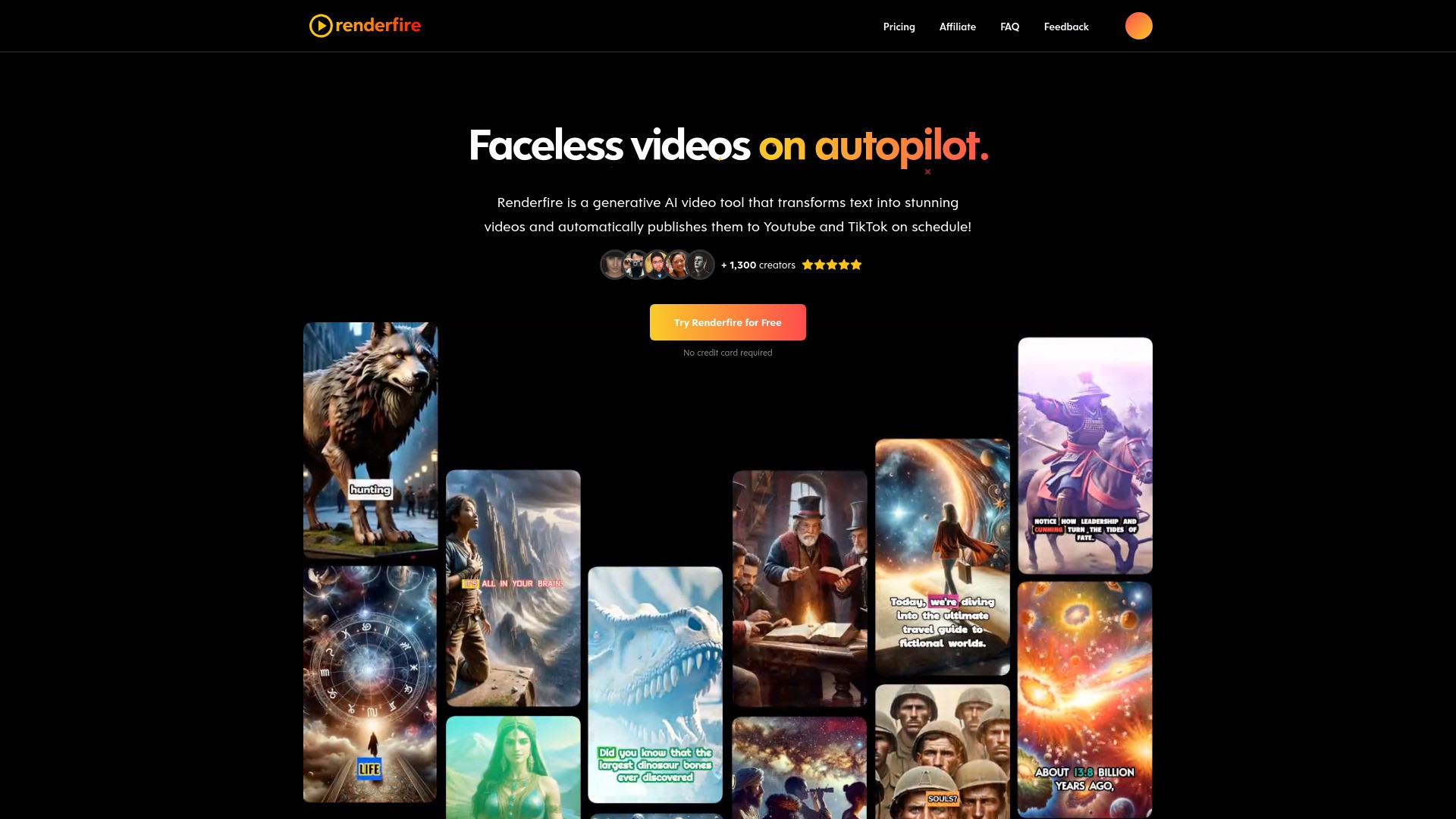
What is Renderfire AI?
Renderfire is a generative AI video tool that transforms text into stunning videos and automatically publish them to Youtube and TikTok on schedule!
How to use Renderfire AI?
Create a series: Link your social media channels and select them as destinations. Schedule posting days, time and visibility. Choose your video series topic from predefined topics like adventure tales, ancient civilizations, art history, or custom to tailor content specifically to your needs. Select the language, a narration voice and preferred duration, and click 'Create Series'. Preview your video with a title, description, tags, script, and much more. You can customize the thumbnail, images, subtitles, music, sound and visual effects, and watermark.
Renderfire AI's Core Features
Generating AI-videos for Youtube and TikTok
Auto-publish videos to Youtube and TikTok on schedule
Renderfire AI's Use Cases
#1
Youtube faceless channel automation
#2
TikTok faceless channel automation
FAQ from Renderfire AI
What is a series?
What social media platforms do you support posting to?
Are the videos unique?
Can I edit the videos?
How do custom prompts work?
How many videos can I create per day?
Can I replace an existing series with a new one?
How do I create a video?
Can I post the same video to multiple platforms?
Can I adjust the video length?
Do I own the videos?
Does the platform support multiple languages?
Are there any types of content that are not allowed?
Can this make long form content?
Is there a free trial?
Can I cancel at anytime?
How does the membership work?
Can I get a refund?
Can I upgrade or downgrade my subscription?
Renderfire AI Login
Renderfire AI Login Link:
https://renderfire.com/login
Renderfire AI Pricing
Renderfire AI Pricing Link:
https://renderfire.com/Pricing
Renderfire AI Facebook
Renderfire AI Facebook Link:
https://www.facebook.com/renderfireai
Renderfire AI Twitter
Renderfire AI Twitter Link:
https://twitter.com/renderfireai