Recordme
RecordMe is a accounting software that simplifies accounting services for accuracy and efficiency.
软件新闻
暂无相关新闻。
使用指南
What is RecordMe?
RecordMe is an innovative accounting automation software that simplifies accounting services, ensuring accuracy and efficiency within different financial operations.
How to use RecordMe?
To use RecordMe, follow these steps:
1. Sign up for an account on the RecordMe website.
2. Upload your PDF, Word Doc, or image file containing the data you want to extract.
3. RecordMe will use AI technology to extract the data with 99.99% accuracy.
4. The extracted data will be sent to your favorite accounting tools.
5. Enjoy the streamlined and automated bookkeeping process saving you time and energy.
RecordMe's Core Features
Automated data extraction with 99.99% accuracy
Integration with popular accounting software like Xero, Quickbooks, and Zoho
Customized financial reports in real-time
AI-powered financial bot for immediate processing
End-to-end automated accounting solution
RecordMe's Use Cases
#1
Simplifying repetitive data entry tasks
#2
Saving time and effort in manual bookkeeping
#3
Improving accuracy and efficiency in financial operations
#4
Generating customized financial reports
#5
Streamlining the bottom line of finances
FAQ from RecordMe
What is RecordMe?
How can I use RecordMe?
What are the core features of RecordMe?
What are the use cases of RecordMe?
RecordMe Support Email & Customer service contact & Refund contact etc.
More Contact, visit
the contact us page(https://recordme.ai/contact-us/)
RecordMe Company
More about RecordMe, Please visit
the about us page(https://recordme.ai/teams/)
.
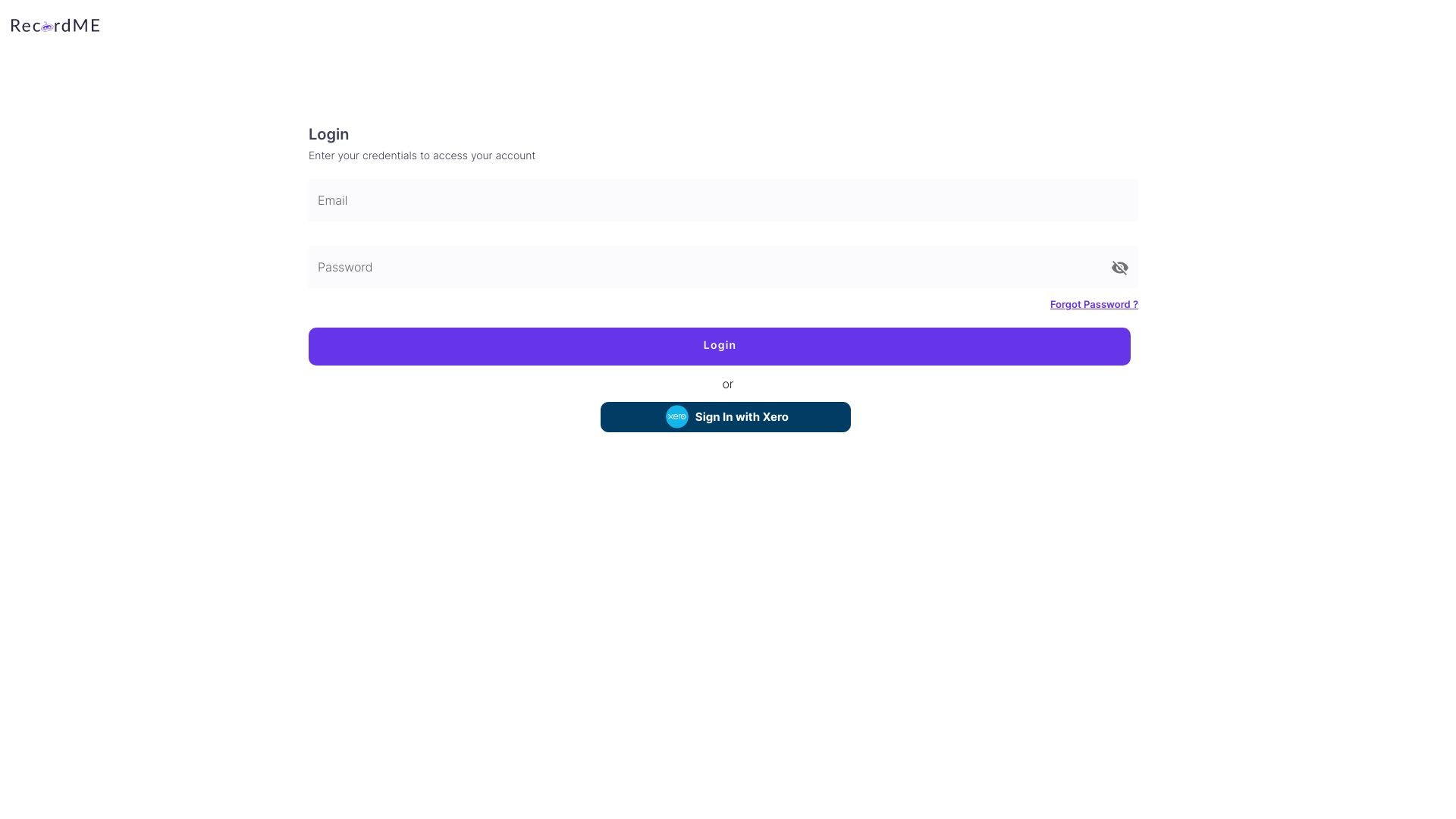
RecordMe Login
RecordMe Login Link:
https://client.recordme.ai/login
RecordMe Facebook
RecordMe Facebook Link:
https://www.facebook.com/recordmeai
RecordMe Linkedin
RecordMe Linkedin Link:
https://www.linkedin.com/company/recordme/
RecordMe Twitter
RecordMe Twitter Link:
https://twitter.com/recordmeoffical
RecordMe Instagram
RecordMe Instagram Link:
https://www.instagram.com/recordme.ai/