What is Qex AI?
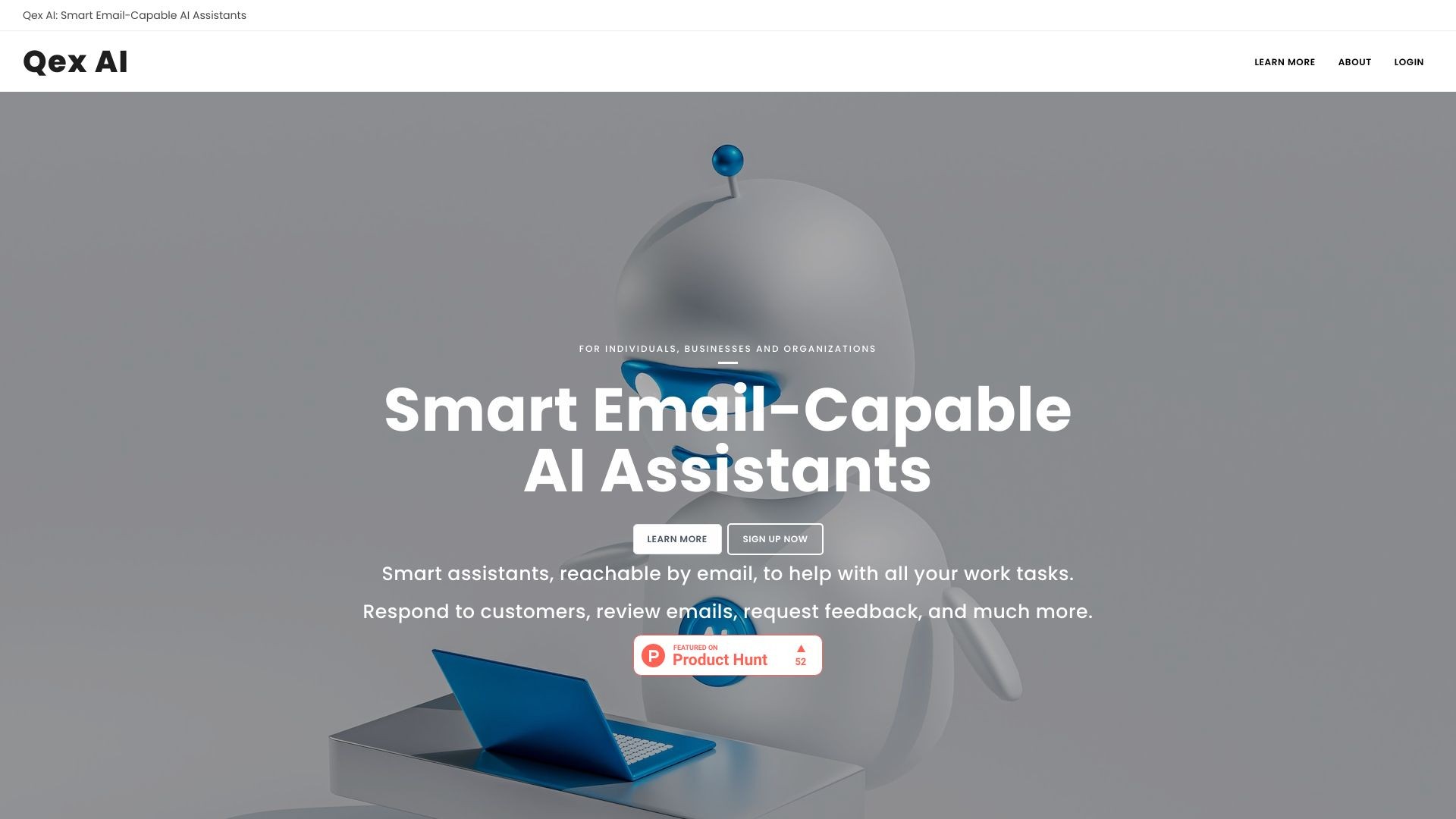
Smart assistants, reachable by email, to help with all your work tasks. Respond to customers, review emails, request feedback, and much more.
How to use Qex AI?
Set up smart assistants that can read, understand, and send emails, help with daily tasks, communicate with customers/vendors/stakeholders, perform marketing and administrative functions, and more.
Qex AI's Core Features
{
"description": "Qex AI assistants use the smartest AI models currently available and are trained on a huge body of human knowledge.",
"feature_name": "Really Smart Assistants"
}
{
"description": "Set up each AI assistant with their own mailbox and assign them plain English instructions to handle emails.",
"feature_name": "Email Handling"
}
{
"description": "Restrict assistants to processing emails from specific senders to avoid wasting resources.",
"feature_name": "Email Lock Lists"
}
{
"description": "Assistants can copy multiple parties on replies, useful for monitoring or involving multiple stakeholders in conversations.",
"feature_name": "Copy Multiple Parties"
}
{
"description": "Schedule responses at a specific time, useful for follow-ups or time-sensitive communication.",
"feature_name": "Delayed Responses"
}
{
"description": "No response required for certain emails based on predefined instructions.",
"feature_name": "No Responses"
}
{
"description": "Assistants benefit from 8k token contexts, allowing for handling of lengthy email threads.",
"feature_name": "Long Contexts"
}
{
"description": "Assistants can download and read email PDF attachments, incorporating the information in their replies.",
"feature_name": "PDF Attachments"
}
{
"description": "Assistants can browse websites or perform web searches to gather information for their instructions.",
"feature_name": "Web Browsing"
}
{
"description": "Set up as many assistants as needed, each capable of handling unlimited emails.",
"feature_name": "Unlimited Assistants + Emails"
}
{
"description": "Get started with a free trial and no credit card required. Cancel the subscription anytime with no contracts.",
"feature_name": "Start Free, Cancel Anytime"
}
{
"description": "Prepay for usage charges by depositing funds in the usage credit. No surprise usage bills.",
"feature_name": "Never Any Billing Surprises"
}
{
"description": "You own your data at all times, and Qex AI does not keep copies of your incoming/outgoing emails.",
"feature_name": "Data Privacy"
}
Qex AI's Use Cases
#1
tier 1 customer support
#2
sending personalized email marketing campaigns
#3
sending cold emails tailored to target customers
#4
reviewing outgoing emails for policy compliance
#5
requesting feedback and reviews from customers
#6
order confirmation follow-ups
#7
debt collection
#8
IT support desk
FAQ from Qex AI
How does billing work?
Is a payment card needed to sign up?
How does the usage credit work?
Can I cancel my subscription at any time?
What happens if I cancel my subscription?
Qex AI Support Email & Customer service contact & Refund contact etc.
Here is the Qex AI support email for customer service:
[email protected]
.
More Contact, visit
the contact us page(https://qexai.com/home/contact)
Qex AI Company
Qex AI Company name:
Qex AI
.
More about Qex AI, Please visit
the about us page(https://qexai.com/home/about)
.
Qex AI Login
Qex AI Login Link:
https://qexai.com/u/login_gateway
Qex AI Sign up
Qex AI Sign up Link:
https://qexai.com/u/registration_form
Qex AI Pricing
Qex AI Pricing Link:
https://qexai.com/#pricing
Qex AI Facebook
Qex AI Facebook Link:
https://www.facebook.com/QexAI