软件新闻
暂无相关新闻。
使用指南
What is Orate?
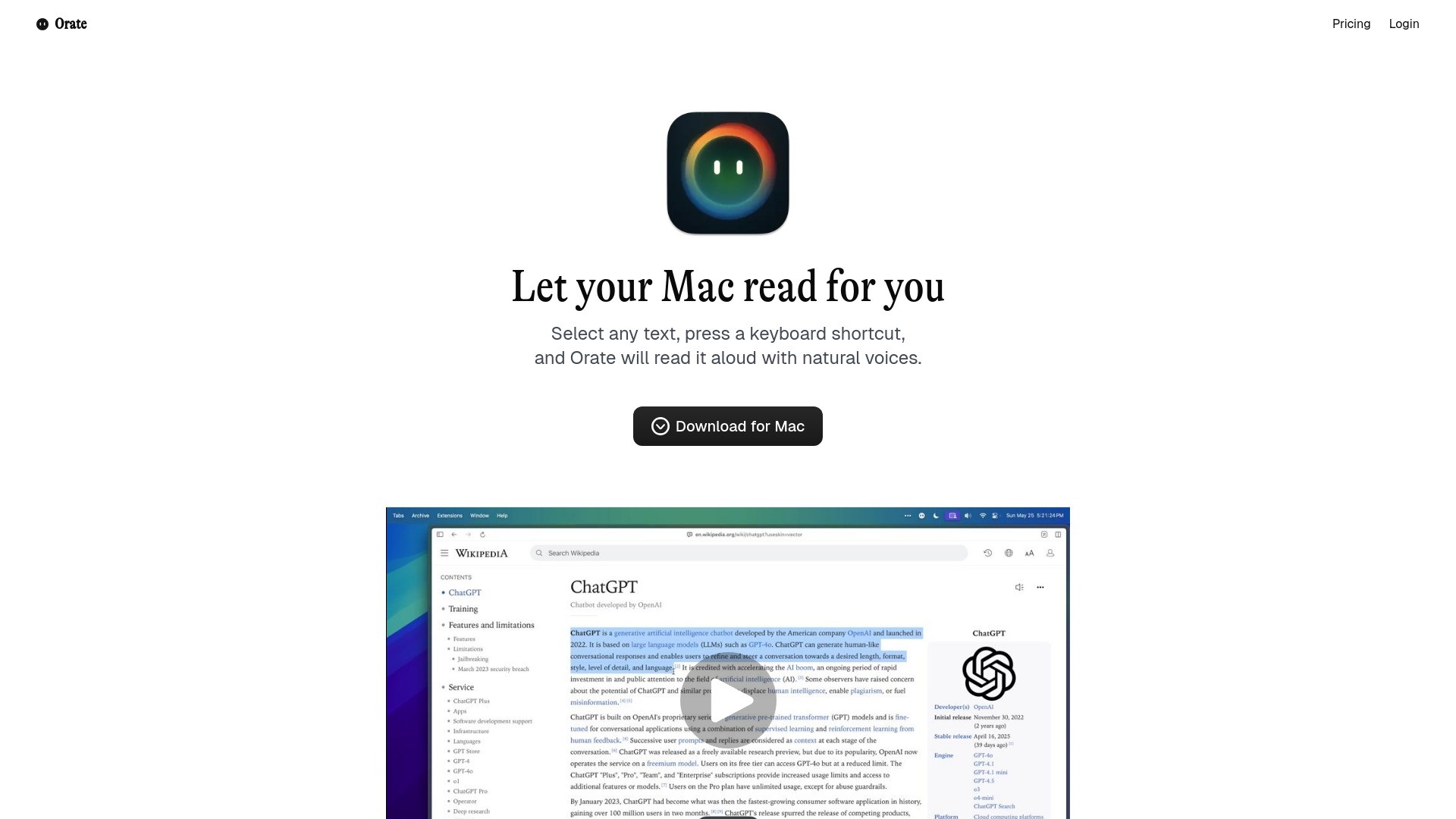
Orate is a free macOS menu-bar application designed to convert any highlighted text into speech using a single hotkey. It leverages bleeding-edge AI voice technology to provide natural-sounding voices with perfect intonation and emphasis, offering ultra-low latency for near-instant text-to-speech. It works across various applications on your Mac, including browsers, documents, and emails.
How to use Orate?
To use Orate, simply highlight any text on your Mac, then press the global keyboard shortcut ⌘ + E. Orate will immediately read the selected text aloud with natural voices. You can also adjust the reading speed to your preference.
Orate's Core Features
Turns any highlighted text into speech
Single hotkey activation (⌘ + E)
Natural-sounding AI voices (premium options available)
Global keyboard shortcut (works everywhere on Mac)
Adjustable reading speed control
Ultra-low latency (~75ms)
Multilingual support (Premium tier)
Mix and Match premium and standard voices (Premium tier)
Orate's Use Cases
#1
Listening to articles, documents, or emails instead of reading them.
#2
Quickly consuming information without sacrificing comprehension.
#3
Providing accessibility for users who prefer or require audio content.
#4
Reviewing written content by listening to it aloud.
FAQ from Orate
What is Orate?
How do I use Orate?
What kind of voices does Orate offer?
Is Orate free to use?
What is the latency for text-to-speech with Orate?
Orate Support Email & Customer service contact & Refund contact etc.
Here is the Orate support email for customer service:
[email protected]
.
More Contact, visit
the contact us page(mailto:
[email protected]
)
Orate Company
Orate Company name:
Adaius, LLC
.
Orate Login
Orate Login Link:
https://orateai.app/auth/login