What is Meet for Slack?
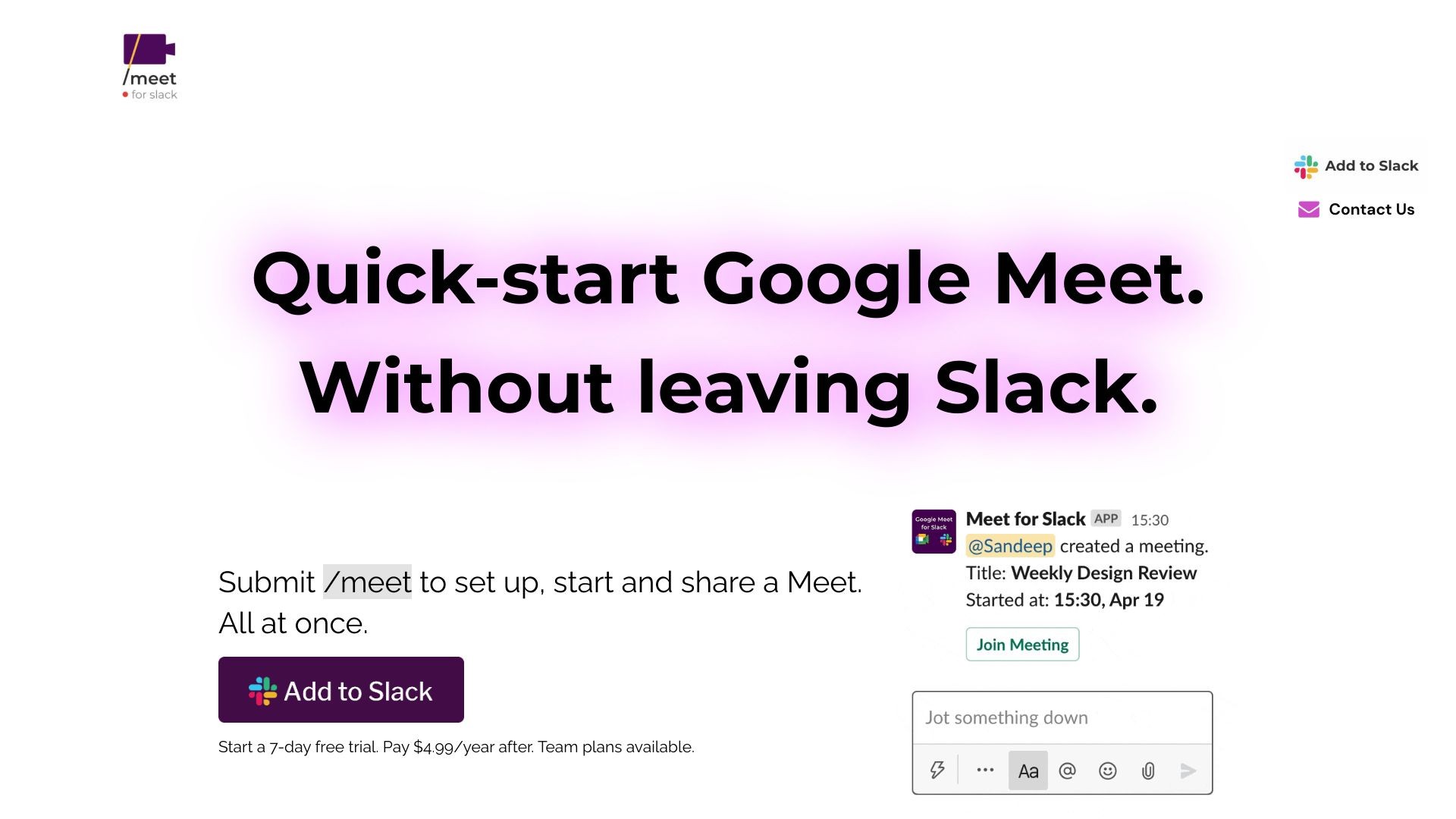
Meet for Slack is a tool that allows users to create and join Google Meetings directly from Slack. It offers a seamless integration between Slack and Google Meet, allowing users to set up and start meetings with their colleagues without any hassle.
How to use Meet for Slack?
To use Meet for Slack, you need to install the Google Meet for Slack app. Once installed, you can start a Google Meeting by typing the command '/meet' in a Slack channel or direct message. The app will automatically set up and share the meeting link with your colleagues. You can also schedule future meetings using natural language commands.
Meet for Slack's Core Features
Instantly create Google Meetings from Slack
Start audio and video calls with one command
Works in personal DMs, group DMs, and channels
Automatically updates Slack status to 'In a meeting' during calls
Integrates with Google Calendar to block time for meetings
Enterprise-grade video conferencing and built-in protection
Meet for Slack's Use Cases
#1
Quickly set up impromptu meetings with team members
#2
Move discussions from text-based channels to audio/video calls
#3
Easily collaborate with remote colleagues
#4
Schedule future meetings without leaving Slack
#5
Keep track of meeting schedule with Google Calendar integration
FAQ from Meet for Slack
How do I install Meet for Slack?
Can I use Meet for Slack with my Google Workspace account?
Does Meet for Slack store my Google Meet recordings?
Can I schedule meetings with Meet for Slack?
Meet for Slack Support Email & Customer service contact & Refund contact etc.
Here is the Meet for Slack support email for customer service:
[email protected]
.
More Contact, visit
the contact us page(mailto:
[email protected]
)
Meet for Slack Company
Meet for Slack Company name:
WEBWARE TECH Kft.
.
Meet for Slack Company address:
Fő utca 38, 9094 Tápszentmiklós, Hungary
.
Meet for Slack Pricing
Meet for Slack Pricing Link:
https://meetforslack.com/#pricing