ManagePrompt
Streamline AI development and deployment
软件新闻
暂无相关新闻。
使用指南
What is ManagePrompt?
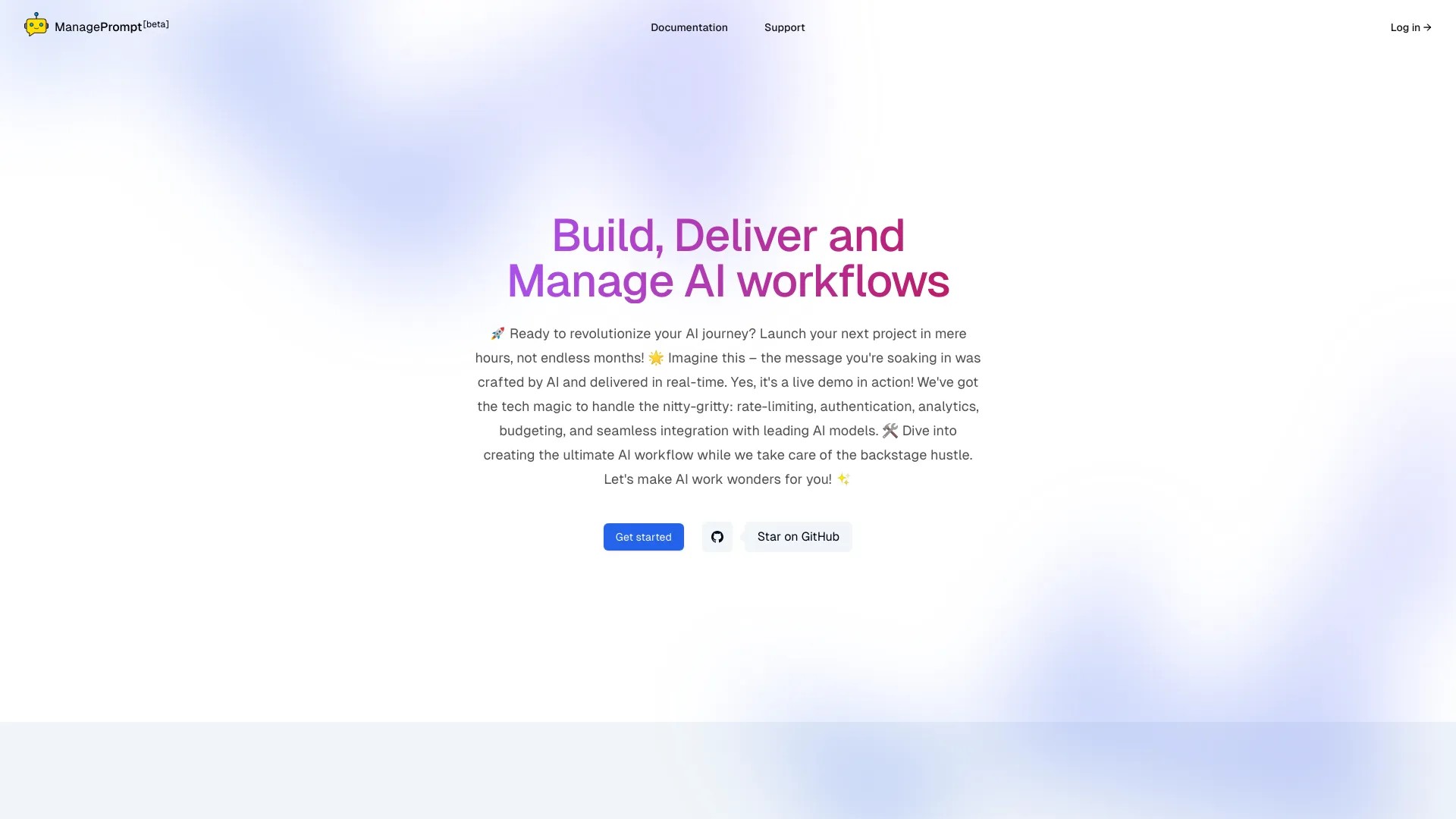
Build, deliver and manage AI workflows
How to use ManagePrompt?
1. Sign up for an account on ManagePrompt website
2. Choose or create a workflow for your AI project
3. Use the provided tools to build and deploy your AI models
4. Customize prompts, switch models, and ensure security
5. Deliver changes to your users instantly
ManagePrompt's Core Features
Instant deployment of AI workflows
Security controls for malicious requests
Support for multiple AI models
Pay-as-you-go pricing
ManagePrompt's Use Cases
#1
Building and deploying AI projects faster
#2
Filtering and controlling malicious requests
#3
Using multiple AI models for different tasks
FAQ from ManagePrompt
What is ManagePrompt?
How does ManagePrompt help in AI project development?
Can I customize prompts and switch models with ManagePrompt?
Does ManagePrompt have security features?
Which AI models are supported by ManagePrompt?
How does the pricing work for ManagePrompt?
ManagePrompt Company
ManagePrompt Company name:
Techulus
.
ManagePrompt Login
ManagePrompt Login Link:
https://manageprompt.com/console/workflows
ManagePrompt Pricing
ManagePrompt Pricing Link:
https://manageprompt.com/console/workflows
ManagePrompt Twitter
ManagePrompt Twitter Link:
https://twitter.com/techulus
ManagePrompt Github
ManagePrompt Github Link:
https://github.com/techulus