What is Local AI Playground?
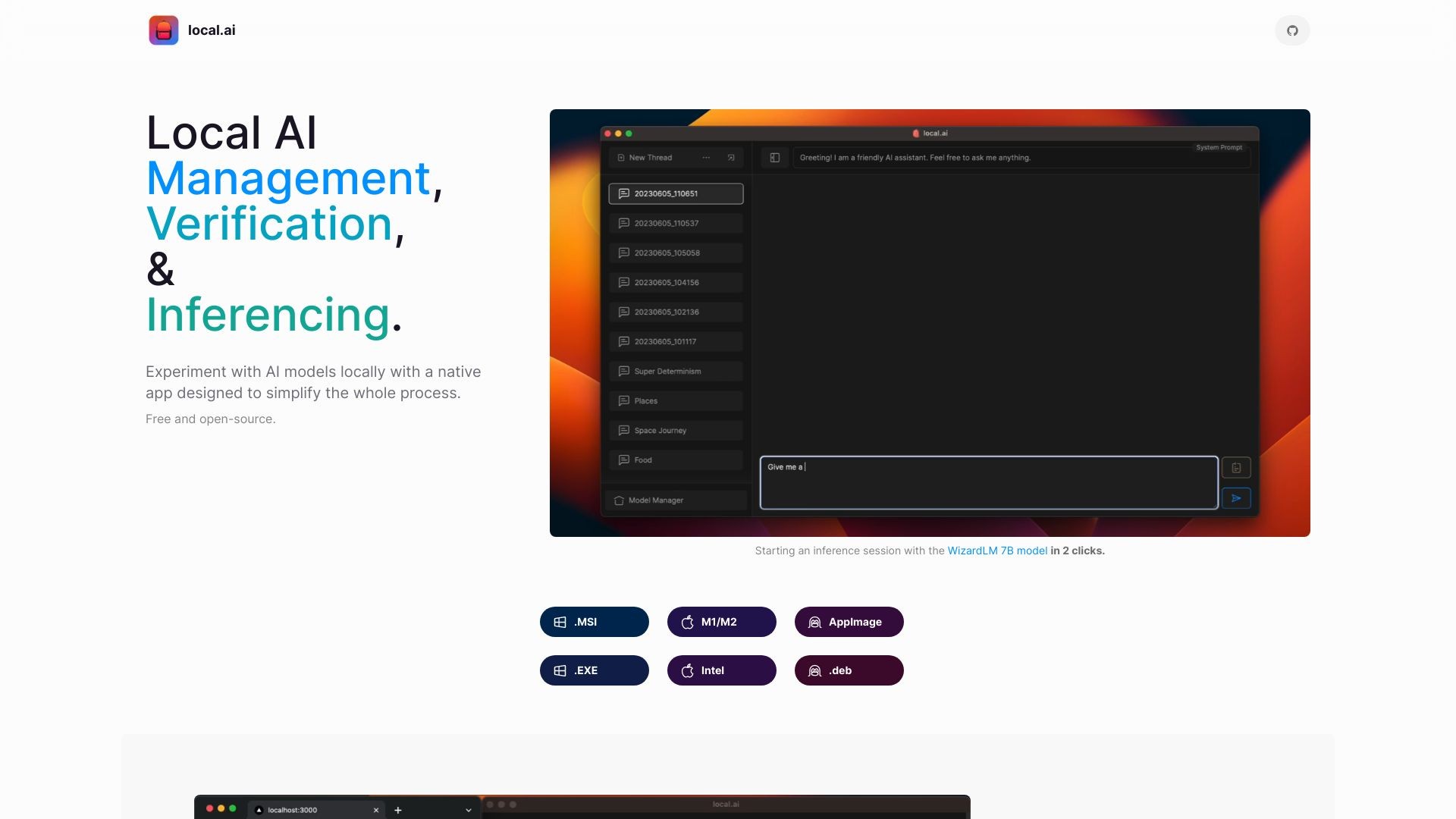
The Local AI Playground is a native app designed to simplify the process of experimenting with AI models locally. It allows you to perform AI tasks offline and in private, without the need for a GPU.
How to use Local AI Playground?
To use the Local AI Playground, simply install the app on your computer. It supports various platforms such as Windows, Mac, and Linux. Once installed, you can start an inference session with the provided AI models in just two clicks. You can also manage your AI models, verify their integrity, and start a local streaming server for AI inferencing.
Local AI Playground's Core Features
CPU inferencing
Adapts to available threads
GGML quantization
Model management
Resumable, concurrent downloader
Digest verification
Streaming server
Quick inference UI
Writes to .mdx
Inference params
Local AI Playground's Use Cases
#1
Experimenting with AI models offline
#2
Performing AI tasks without requiring a GPU
#3
Managing and organizing AI models
#4
Verifying the integrity of downloaded models
#5
Setting up a local AI inferencing server
FAQ from Local AI Playground
What is the Local AI Playground?
How do I use the Local AI Playground?
What are the core features of the Local AI Playground?
What are the use cases for the Local AI Playground?