LipSurf
Voice control for productive and accessible web browsing.
软件新闻
暂无相关新闻。
使用指南
What is LipSurf?
Voice Control for the Browser
How to use LipSurf?
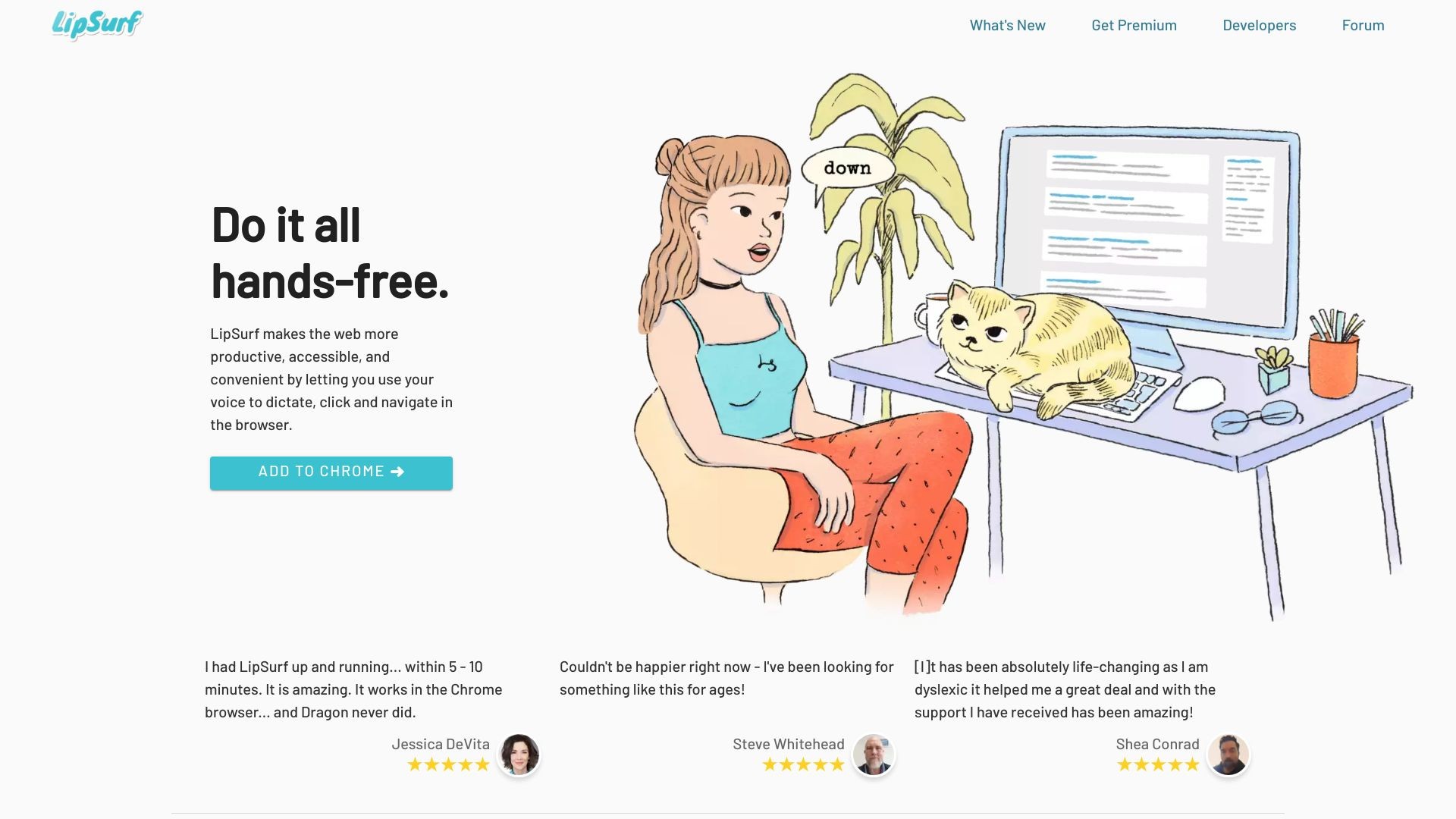
Do it all hands-free. LipSurf makes the web more productive, accessible, and convenient by letting you use your voice to dictate, click, and navigate in the browser.
LipSurf's Core Features
Dictate and navigate in the browser
Spend less time typing with speech-to-text
Navigate the web hands-free
Personalize voice shortcuts
Prevent RSI/Carpal Tunnel Syndrome
Multi-task while working
No tracking, no ads, no selling your data
Open-source plugins
Works with existing computer hardware and microphone
LipSurf's Use Cases
#1
People with motor issues (Parkinson's, arthritis, RSI, etc.)
#2
Productivity nerds
#3
Computer professionals
#4
Neurodiverse individuals (Dyslexia, ADHD)
FAQ from LipSurf
Does LipSurf work with my browser?
Do I need special hardware to use LipSurf?
Is my data safe with LipSurf?
Can I customize LipSurf to understand workplace jargon?
Does LipSurf prevent RSI and Carpal Tunnel Syndrome?
LipSurf Support Email & Customer service contact & Refund contact etc.
More Contact, visit
the contact us page(https://www.lipsurf.com/contact)
LipSurf Company
LipSurf Company name:
LipSurf Inc.
.
LipSurf Pricing
LipSurf Pricing Link:
https://www.lipsurf.com/pricing
LipSurf Facebook
LipSurf Facebook Link:
https://www.facebook.com/lipsurfapp/
LipSurf Youtube
LipSurf Youtube Link:
https://www.youtube.com/channel/UCdBYe2r5Sg9IjMFvn6I7KJw
LipSurf Twitter
LipSurf Twitter Link:
https://twitter.com/lipsurfapp
LipSurf Github
LipSurf Github Link:
https://github.com/lipsurf