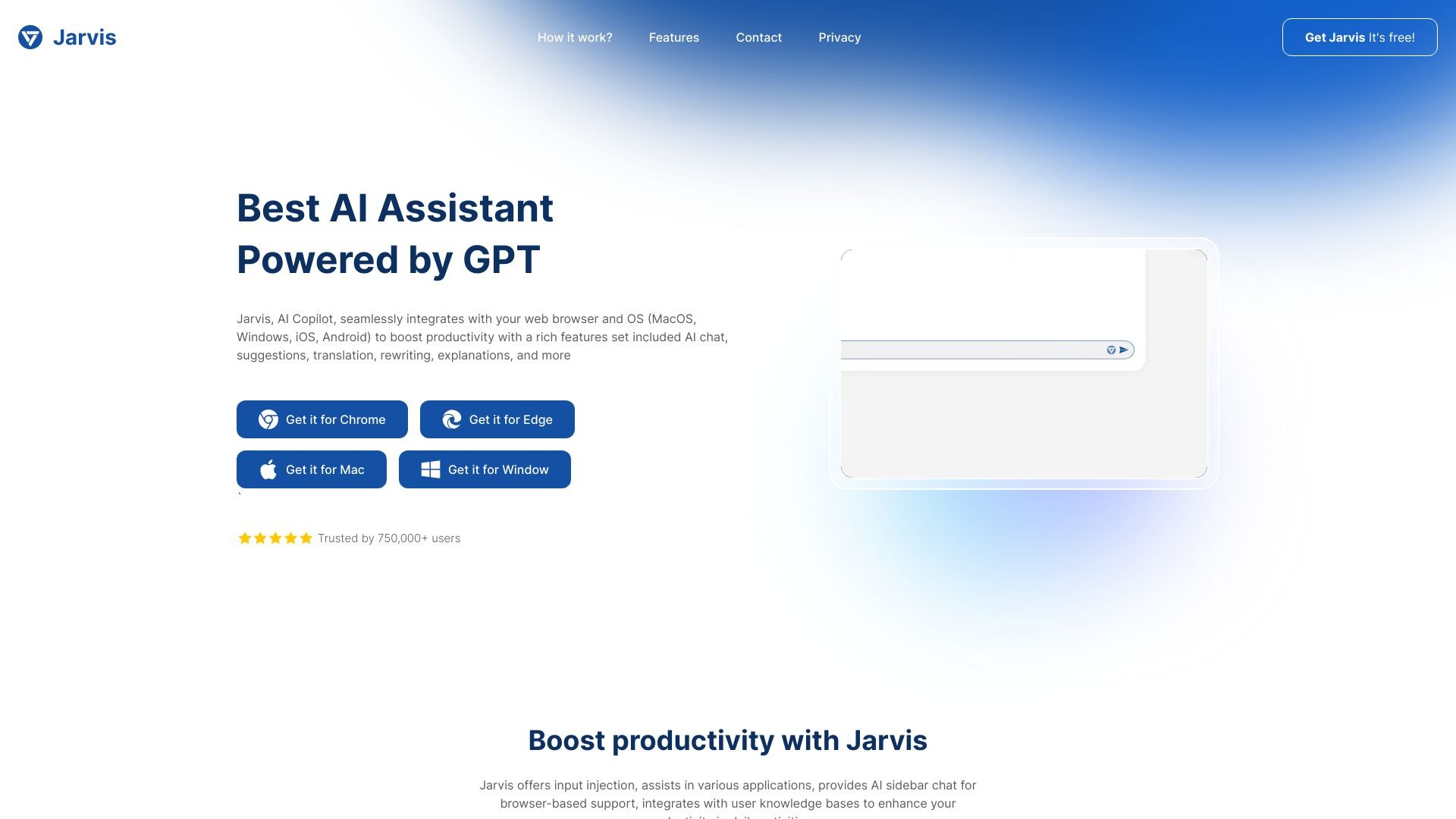
What is Jarvis?
Jarvis is an AI Copilot that enhances productivity by leveraging AI technology. It integrates into web browsers as an extension and offers suggestions, translation, rewriting, summarization, explanations, exploration, and access to related documents using AI and LLM.
How to use Jarvis?
To use Jarvis, simply install the extension on your web browser (Chrome, Edge, Firefox) or desktop (MacOS, Windows, Linux) and mobile (iOS, Android) devices. Once installed, you can enjoy its features including AI chat, suggestions, translation, rewriting, explanations, and more. Jarvis can be accessed via a sidebar chat and offers one-click processing of selected text on any webpage.
Jarvis's Core Features
Suggestions
Translation
Rewriting
Summarization
Explanations
Exploration
Access to related documents
Jarvis's Use Cases
#1
Enhance readability of articles, documents, and web content
#2
Shorten messages for cleaner and user-friendly communication
#3
Translate text from any webpage with ease
#4
Improve messages and emails by optimizing their content
#5
Get AI insights and knowledge for enhanced productivity
#6
Streamline YouTube summaries, email suggestions, and social media engagement
#7
Support writing, translation, and editing in any applications
FAQ from Jarvis
What platforms does Jarvis support?
How can I access Jarvis?
What can Jarvis help me with?
Can Jarvis translate text?
Does Jarvis offer message optimization?
Can Jarvis enhance my productivity on social media?
Is Jarvis available for free?
Jarvis Support Email & Customer service contact & Refund contact etc.
Here is the Jarvis support email for customer service:
[email protected]
.
Jarvis Pricing
Jarvis Pricing Link:
https://admin.jarvis.cx/pricing
Jarvis Facebook
Jarvis Facebook Link:
https://www.facebook.com/jarvis.copilot
Jarvis Youtube
Jarvis Youtube Link:
https://www.youtube.com/@jarvisaicx
Jarvis Linkedin
Jarvis Linkedin Link:
https://www.linkedin.com/company/jarvis-cx/
Jarvis Twitter
Jarvis Twitter Link:
https://twitter.com/JarvisHell6400