Integrito
AI detection in texts
软件新闻
暂无相关新闻。
使用指南
What is Integrito?
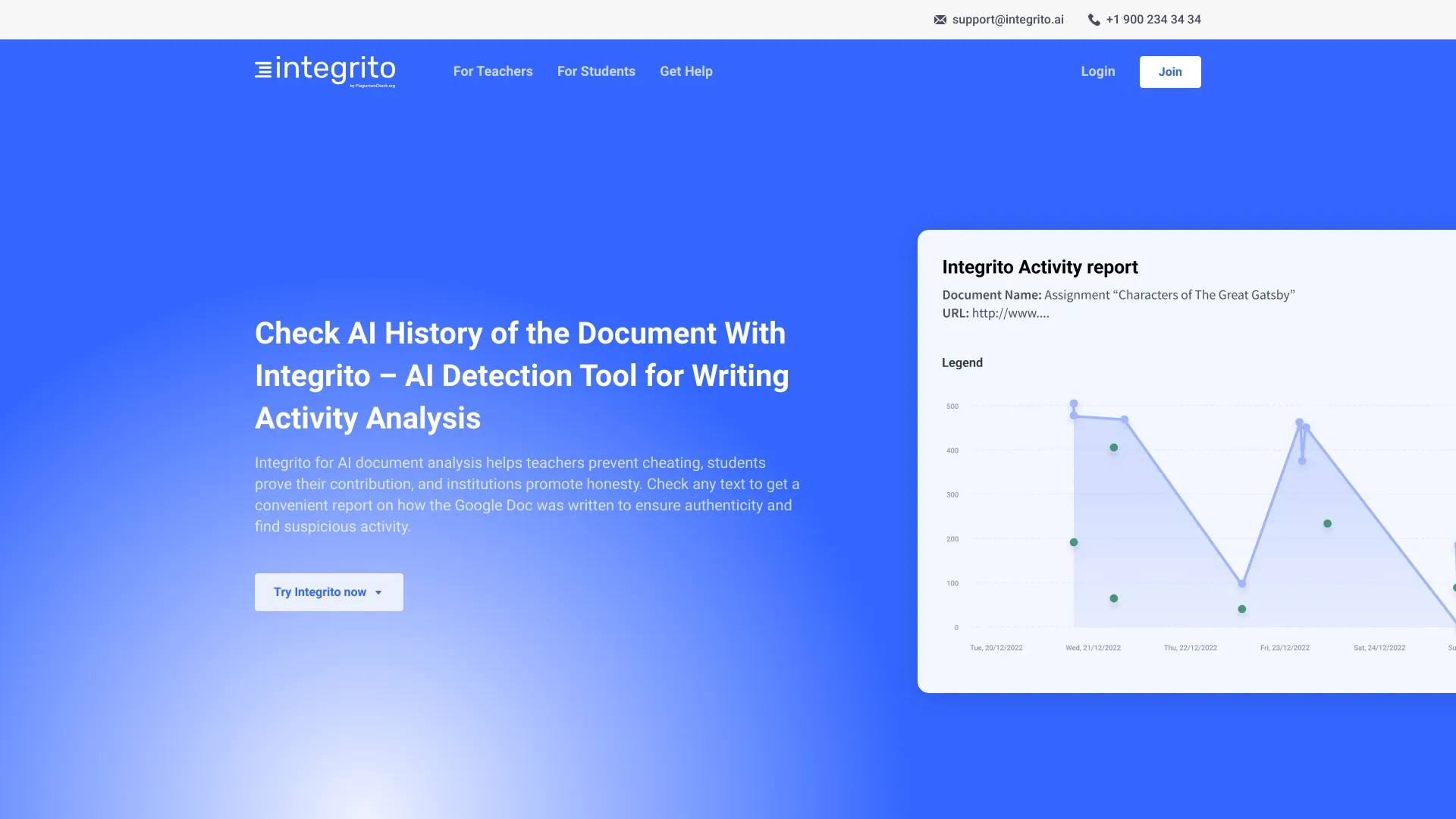
Detect undetectable AI in texts and analyze the writing process
How to use Integrito?
Install the Integrito Writing Activity extension, log in, open a Google Doc, and click the "Activity Report" button
Integrito's Core Features
Accurate AI detection
Writing history analysis
Plagiarism prevention
Integrito's Use Cases
#1
Prevent cheating in academic assignments
#2
Track writing authenticity
#3
Identify suspicious activities
FAQ from Integrito
How to interpret AI Detection results?
Integrito Support Email & Customer service contact & Refund contact etc.
Here is the Integrito support email for customer service:
[email protected]
.
More Contact, visit
the contact us page(https://integrito.ai/contact-us/)
Integrito Login
Integrito Login Link:
https://plagiarismcheck.org/integrito/login/
Integrito Sign up
Integrito Sign up Link:
https://plagiarismcheck.org/integrito/registration/
Integrito Linkedin
Integrito Linkedin Link:
https://www.linkedin.com/company/integrito/
Integrito Twitter
Integrito Twitter Link:
https://twitter.com/Integrito_