iChatWithGPT
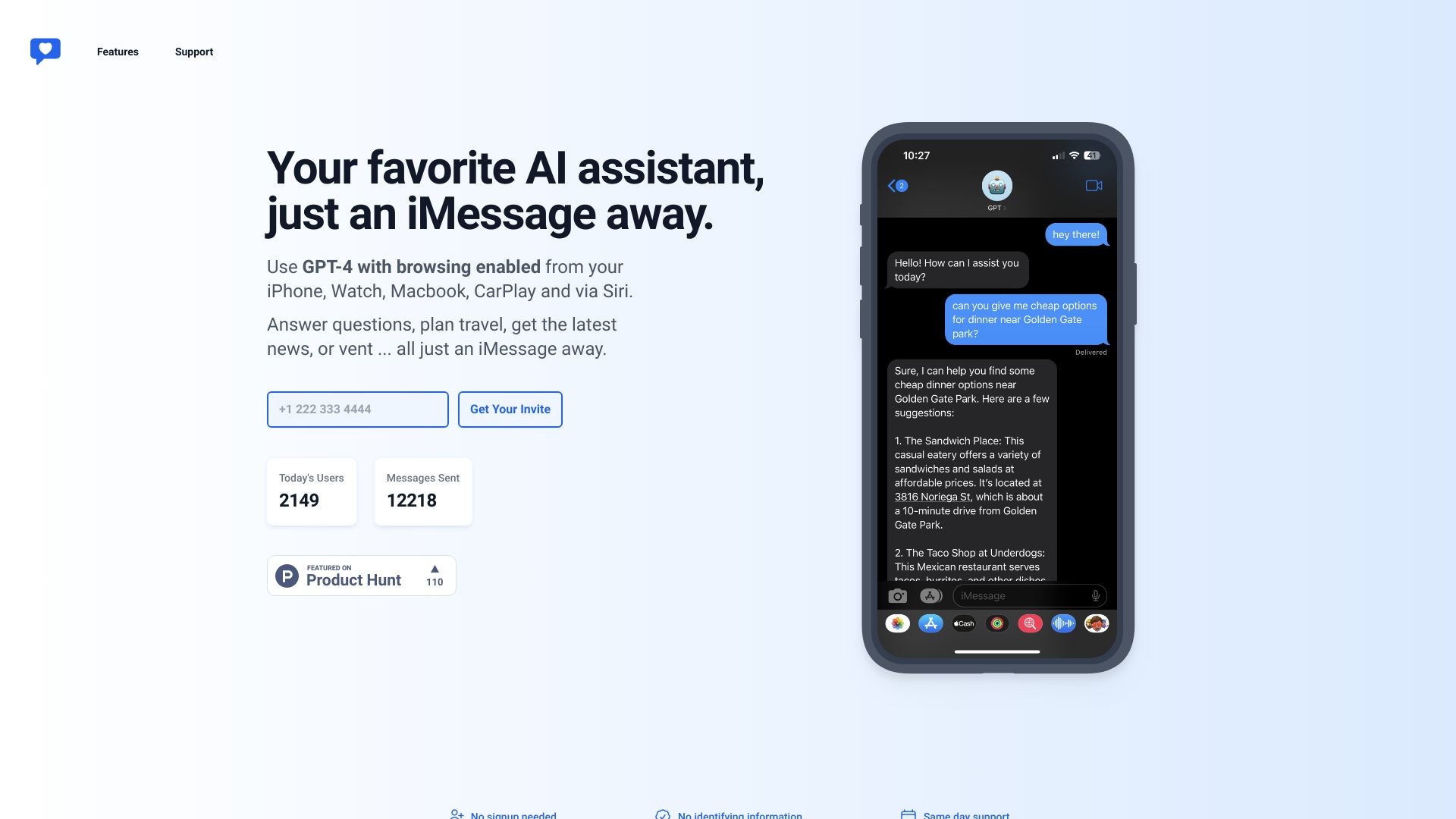
"iChatWithGPT is an AI assistant that helps professionals with various tasks."
软件新闻
暂无相关新闻。
使用指南
What is iChatWithGPT?
iChatWithGPT is a personal AI assistant available on iMessage, iPhone, Watch, Macbook, and CarPlay via Siri. It helps busy professionals with tasks such as answering questions, planning travel, providing recipes, and offering a venting outlet.
How to use iChatWithGPT?
To use iChatWithGPT, simply open iMessage on your iPhone or Mac and start a conversation with the assistant. You can ask questions, request assistance with research, plan meals, arrange travel, and more. It can be accessed through Siri and supports voice commands. No signup is needed, and it provides same day support.
iChatWithGPT's Core Features
Web browsing: AI-powered web research for instant recommendations, news summaries, weather forecasts, and game results.
Artist In Your Pocket: AI-powered image generation to visualize ideas from conceptual designs to detailed illustrations.
Keeps You On-track: Text reminders to help clear your mental list, build habits, and prevent missing important tasks.
Voice Activated: Save the assistant as a contact and use voice commands with Siri to send messages easily and hands-free.
iChatWithGPT's Use Cases
#1
Answering questions
#2
Researching the web
#3
Planning meals
#4
Arranging travel
#5
Providing recommendations
#6
Generating visualizations
#7
Sending text reminders
#8
Hands-free messaging
FAQ from iChatWithGPT
Can I access iChatWithGPT on my Mac?
Can I use iChatWithGPT with Siri?
Is iChatWithGPT free?
How do I start using iChatWithGPT?
Is same day support available?
iChatWithGPT Support Email & Customer service contact & Refund contact etc.
Here is the iChatWithGPT support email for customer service:
[email protected]
.
iChatWithGPT Pricing
iChatWithGPT Pricing Link:
https://ichatwithgpt.com/chat/start/KzE3MDc3NTAwNzcz?message=Upgrade