Google Photos just put all its best editing tools a tap away - here's the shortcut
发布日期:2025-08-14
With Create, you can turn photos into videos, add 3D effects, instantly remix styles, and more.

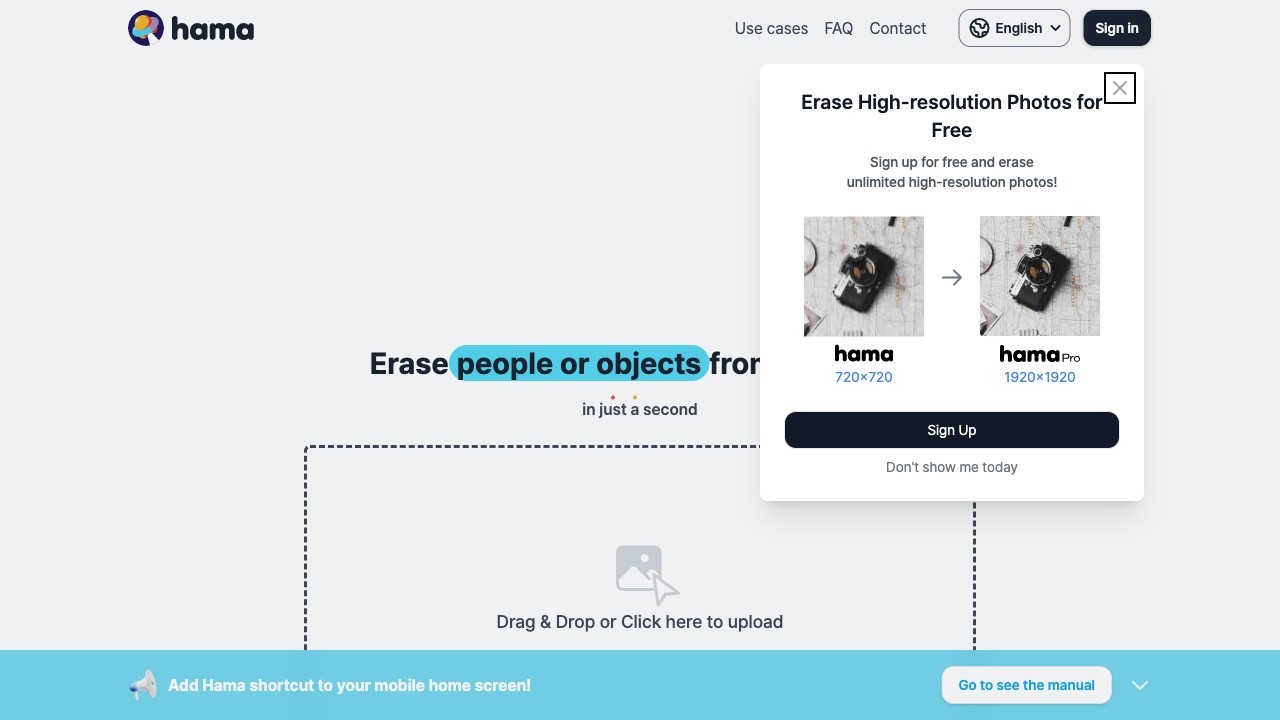
Hama is an AI tool for removing objects/people from photos.
发布日期:2025-08-14
With Create, you can turn photos into videos, add 3D effects, instantly remix styles, and more.
What is Hama?
Hama is an AI-powered photo eraser tool that helps remove unwanted objects or people from pictures.
How to use Hama?
1. Upload the image you want to edit.
2. Identify the object or person you want to erase.
3. Apply the eraser tool to remove the selected area.
4. Preview and save the modified image.
Hama's Core Features
AI-powered photo eraser
Easy upload and editing of images
Precise object/person selection
Advanced eraser tool
Preview and save options
Hama's Use Cases
#1
Removing photobombers from travel photos
#2
Deleting unwanted objects from landscape pictures
#3
Getting rid of distractions in portraits
FAQ from Hama
What is Hama?
How do I use Hama?
What are the core features of Hama?
What are some use cases for Hama?
Is there a pricing plan for Hama?
Hama Support Email & Customer service contact & Refund contact etc.
Here is the Hama support email for customer service:
[email protected]
.
More Contact, visit
the contact us page(mailto:
[email protected]
)
Hama Company
Hama Company name:
Sandoll Metalab Inc.
.
Hama Sign up
Hama Sign up Link:
https://www.hama.app/faq/faq-info1
Hama Instagram
Hama Instagram Link:
https://www.instagram.com/hama_ai_image_eraser/