Firebase Studio – 谷歌推出的AI编程工具,一站式开发全栈应用
发布日期:2025-04-25
Firebase Studio是什么 Firebase Studio 是谷歌推出AI编程工具,用户可以一站式...

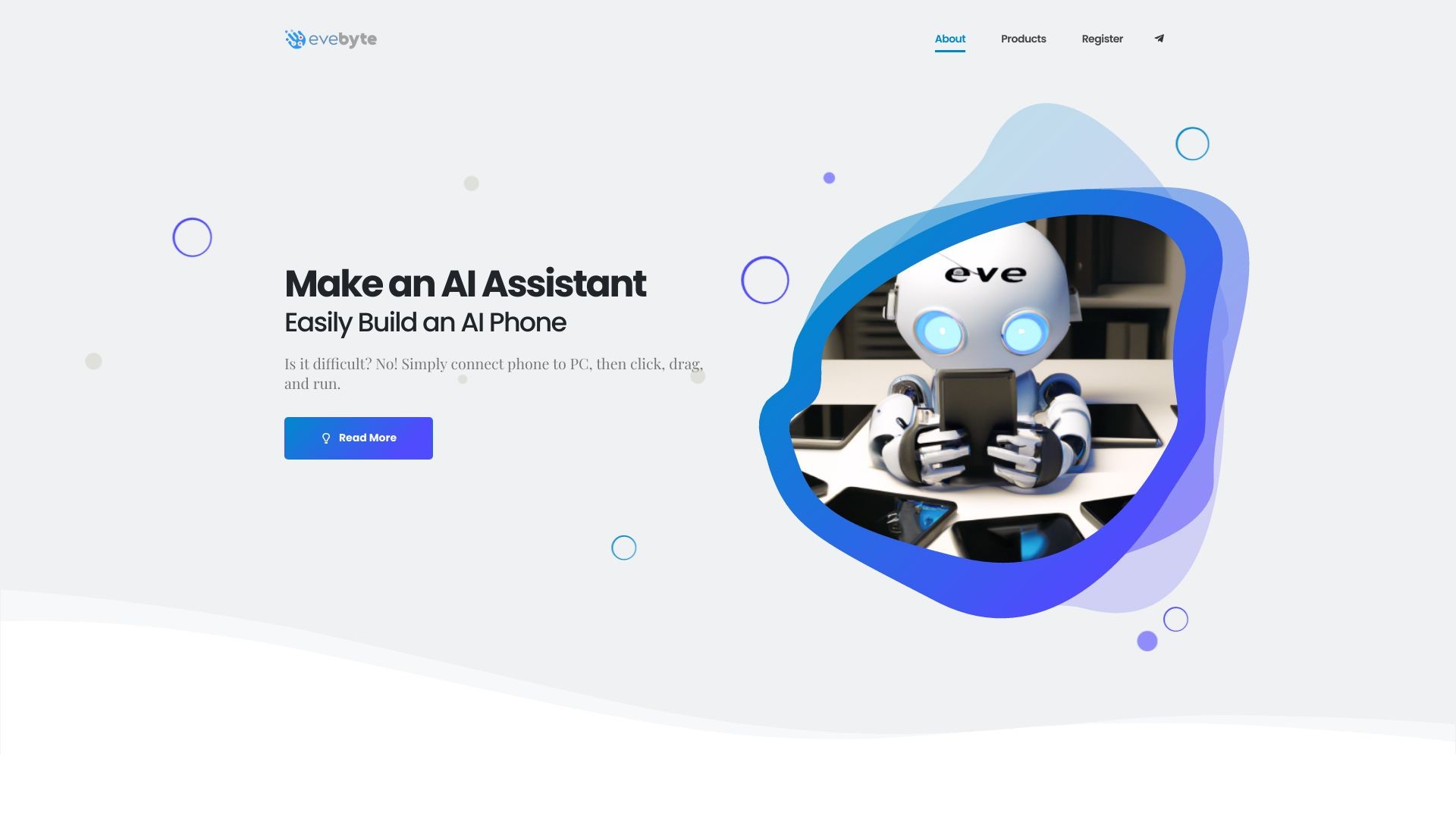
A Windows software that allows easy control of Android devices without coding.
发布日期:2025-04-25
Firebase Studio是什么 Firebase Studio 是谷歌推出AI编程工具,用户可以一站式...
发布日期:2025-04-25
Grok Studio是什么 Grok Studio 是马斯克旗下AI智能助手Grok推出的 AI 协作功能...
What is Evebyte Studio?
Evebyte Studio is a Windows software designed to easily control physical Android phone devices using a graphical interface. No coding is required. It allows users to create and manage single or multiple tasks with their phones.
How to use Evebyte Studio?
1. Connect your Android phone device to your PC.
2. Launch Evebyte Studio.
3. Use the intuitive graphical interface to click, drag, and run tasks on your phone.
4. Easily change task jobs as needed.
Evebyte Studio's Core Features
Graphical interface for controlling Android phone devices
No coding required
Ability to create and manage single or multiple tasks
Flexible task job changes
Data security and privacy protection
Evebyte Studio's Use Cases
#1
1. Remote phone management: Easily control and manage multiple phones from your PC.
2. Task automation: Create and schedule tasks on your phone for improved efficiency.
3. AI phone assistant development: Build an AI assistant using your connected phones.
4. Testing and debugging: Use the software to perform testing and debugging tasks on Android devices.
FAQ from Evebyte Studio
Can I control multiple Android phones with Evebyte Studio?
Is coding knowledge required to use Evebyte Studio?
Can I change task jobs on my phone anytime?
Is my data secure when using Evebyte Studio?
Evebyte Studio Support Email & Customer service contact & Refund contact etc.
Here is the Evebyte Studio support email for customer service:
[email protected]
.
Evebyte Studio Company
Evebyte Studio Company name:
Evebyte Studio
.
More about Evebyte Studio, Please visit
the about us page(https://www.evebyte.com/#about)
.
Evebyte Studio Pricing
Evebyte Studio Pricing Link:
https://www.evebyte.com/pricing/