CQ2
Organize communication chaos with posts & chat.
软件新闻
暂无相关新闻。
使用指南
What is CQ2?
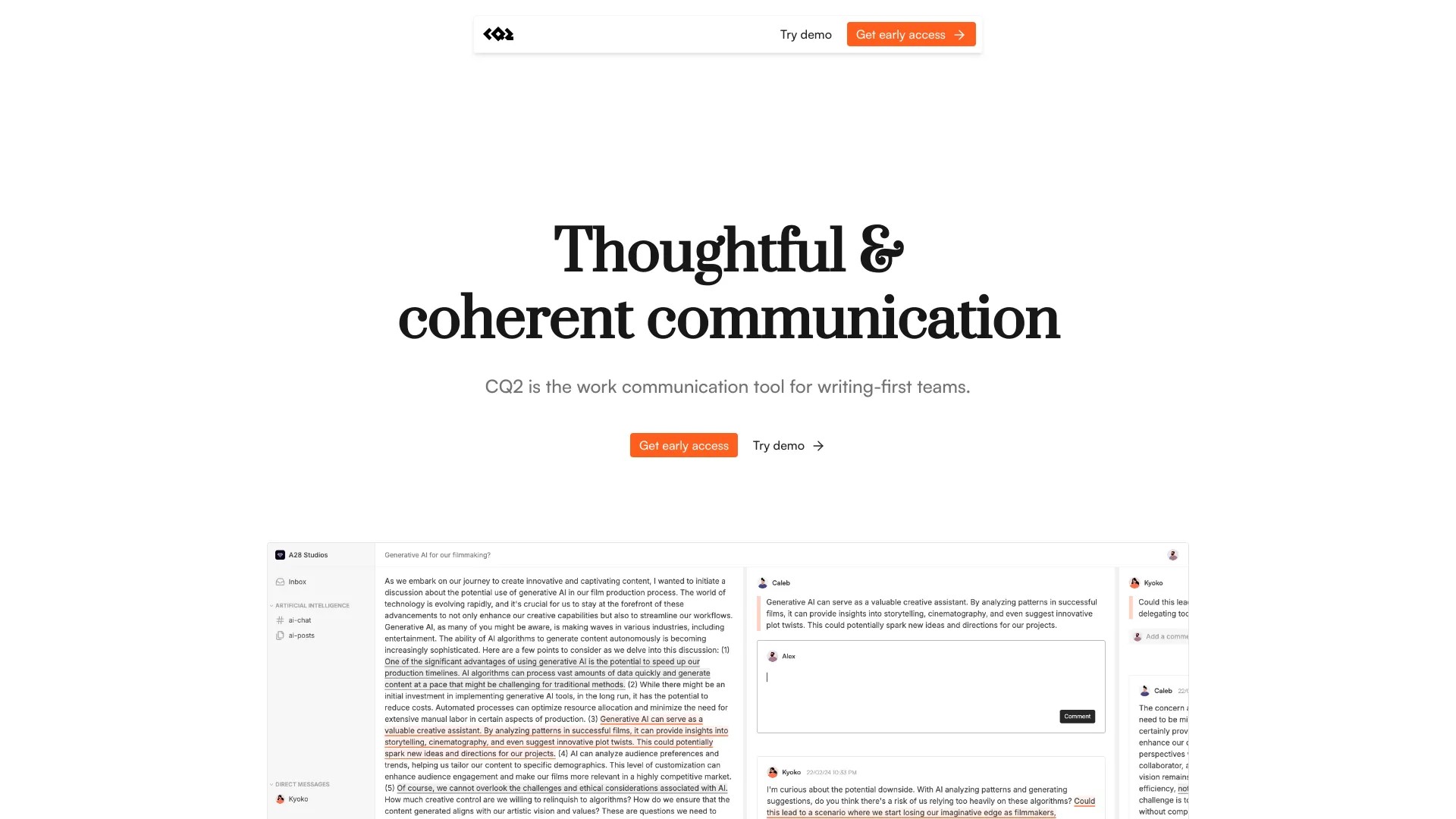
CQ2 is a work communication tool for written-first teams.
How to use CQ2?
To use CQ2, create posts and chat channels to share updates, plans, and ideas. You can also use the chat feature for smaller discussions. The unique sliding panes design with quote-level threads allows you to hyper-focus on one thing at a time. CQ2 also offers AI capabilities like auto summarization, generating actionables, and identifying unanswered questions. You can connect CQ2 with other tools your team uses and even run your own instance for more control over your data. Finally, you can access CQ2's features in Focus Mode to eliminate distractions.
CQ2's Core Features
Organize communication chaos with posts & chat
Unique sliding panes design with quote-level threads
AI capabilities for auto summarization and generating actionables
Focus Mode for distraction-free work
Integration with other tools
Open source
CQ2's Use Cases
#1
Collaborative writing and editing
#2
Team discussions and brainstorming
#3
Project management and task tracking
FAQ from CQ2
Is CQ2 suitable for large teams?
CQ2 Support Email & Customer service contact & Refund contact etc.
Here is the CQ2 support email for customer service:
[email protected]
.
CQ2 Pricing
CQ2 Pricing Link:
https://tally.so/r/nP6Xyd
CQ2 Github
CQ2 Github Link:
https://github.com/cq2-co/cq2