软件新闻
暂无相关新闻。
使用指南
What is Coqui?
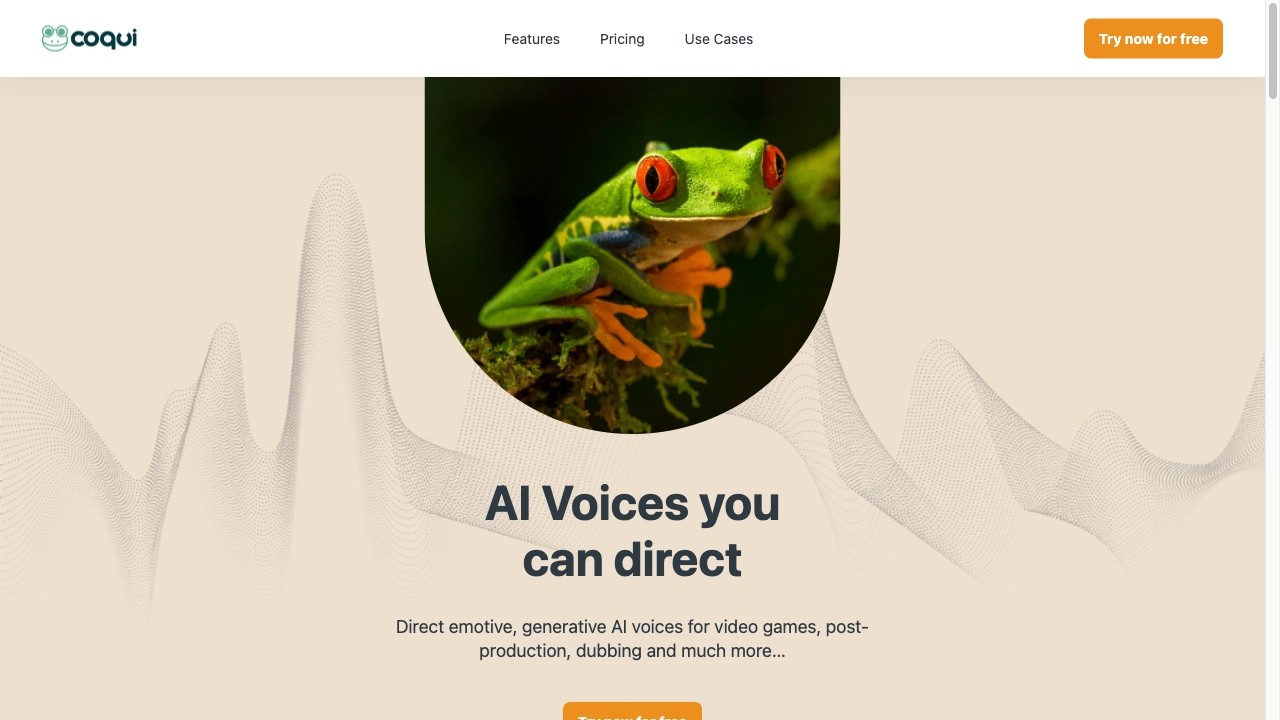
Coqui is a platform that offers realistic and emotive text-to-speech voiceovers through generative AI.
How to use Coqui?
To use Coqui, you can clone voices by providing 3 seconds of audio or choose from available AI voices. You can adjust the style, pace, and emotions of the voices using the AI Emotions and Voice Control feature. The Advanced Editor allows you to fine-tune pitch, loudness, and more for each sentence, word, or character. You can also save different performances using Multiple Takes and direct scenes with the Timeline Editor. Coqui Studio provides project management features to organize your work.
Coqui's Core Features
Clone any voice from 3 seconds of audio
Design your dream voice instead of choosing from a list
Easily tune the style, pace, and emotions of any voice
Take full control of AI voices by adjusting pitch, loudness, and more
Save different performances for experimentation
Direct scenes with multiple AI voices performing together
Organize and control your work in projects
Coqui's Use Cases
#1
Create realistic and emotive voiceovers for various purposes such as commercials, videos, audiobooks, and more
#2
Take control of AI voices to dub or localize audio content
#3
Import scripts into Coqui Studio to quickly start voicing them
#4
Collaborate with colleagues in directing and casting characters
FAQ from Coqui
What can Coqui do?
How to clone a voice in Coqui?
Can I import scripts into Coqui Studio?
Is team collaboration supported?
Coqui Support Email & Customer service contact & Refund contact etc.
Here is the Coqui support email for customer service:
[email protected]
.
Coqui Company
Coqui Company name:
Coqui
.
Coqui Github
Coqui Github Link:
https://github.com/coqui-ai