CherryPick
Effortlessly organize and manage LinkedIn contacts for better networking.
软件新闻
暂无相关新闻。
使用指南
What is CherryPick?
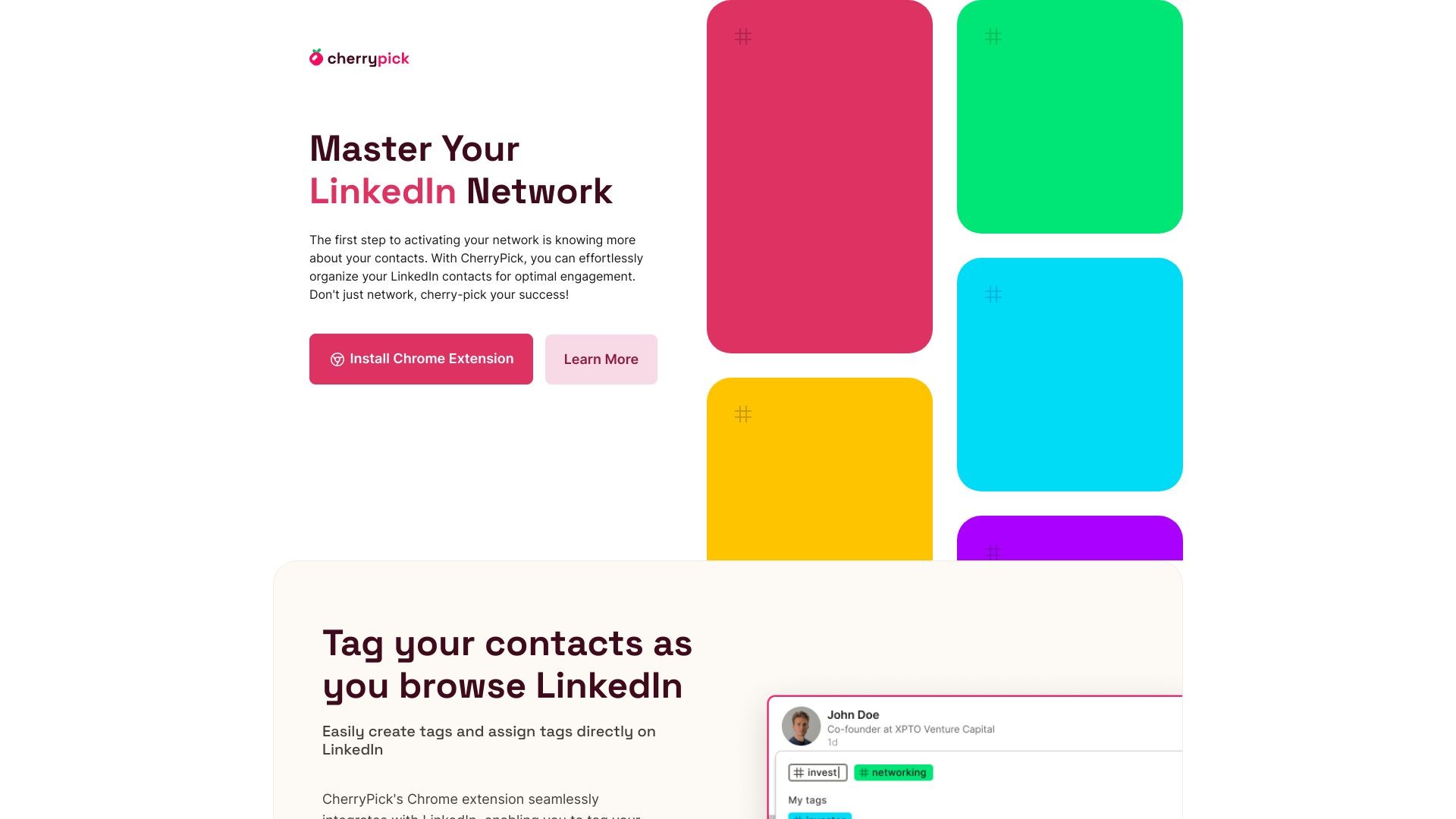
CherryPick is a user-friendly Chrome extension designed to help professionals easily organize, tag, and manage their LinkedIn contacts, boosting networking opportunities and professional growth.
How to use CherryPick?
To use CherryPick, simply install the Chrome extension, create your CherryPick account, and browse LinkedIn as usual. CherryPick's functions will appear as you navigate LinkedIn, allowing you to create and assign tags to your contacts. You can also review and export your tagged contacts through CherryPick's dashboard.
CherryPick's Core Features
Tag and organize LinkedIn contacts
Search capabilities
Export tagged contacts in CSV or JSON formats
User-friendly dashboard
CherryPick's Use Cases
#1
HR professionals
#2
Recruiters
#3
Sales representatives
#4
Marketers
#5
Entrepreneurs
#6
Freelancers
#7
Team managers
#8
Consultants
#9
Students
#10
Job seekers
FAQ from CherryPick
What is CherryPick?
Why did you build CherryPick?
How do I get started?
Who can use CherryPick?
What are the key features?
How do I export my tagged contacts?
Is CherryPick Free?
How secure is my data?
Can I use CherryPick with my CRM?
Is CherryPick compatible with my device?
How do I get support?
CherryPick Support Email & Customer service contact & Refund contact etc.
Here is the CherryPick support email for customer service:
[email protected]
.