ChatGPT iOS版上月下载量突破3000万次,碾压所有社交应用
发布日期:2025-06-25
最新数据显示,ChatGPT的iOS应用在上月创下了惊人的3000万次下载量,成为全球最受欢迎的应用程序,甚至超越了所有主流社交应用。尽管在美国成年人中仍有大部分人未曾尝试过这一AI工具,但其迅猛的增长势头已不容忽视。本文将深入分析这一现象背后的原因及其对AI应用市场的深远影响。

Effortlessly manage files, fetch website content, execute commands, and query databases using FileWork's intuitive platform.
发布日期:2025-06-25
最新数据显示,ChatGPT的iOS应用在上月创下了惊人的3000万次下载量,成为全球最受欢迎的应用程序,甚至超越了所有主流社交应用。尽管在美国成年人中仍有大部分人未曾尝试过这一AI工具,但其迅猛的增长势头已不容忽视。本文将深入分析这一现象背后的原因及其对AI应用市场的深远影响。
发布日期:2025-06-17
OpenAI 最新功能允许 ChatGPT 直接连接 MCP 服务器,员工可通过聊天机器人访问公司数据。本文详细介绍如何实现这一连接,并提醒用户注意敏感信息审查,确保数据安全。这一突破性功能将极大提升企业工作效率,但也带来新的数据安全考量。
发布日期:2025-06-15
随着ChatGPT Plus的推出,许多用户开始思考每月20美元的订阅费用是否值得。本文将深入分析ChatGPT Plus与免费版的差异,帮助您判断是否应该升级,或者继续使用免费版本。
发布日期:2025-06-13
OpenAI为ChatGPT Plus/Pro/Team用户推出了革命性的Projects功能,通过智能工作区实现对话、文件与内容的高效主题管理。本文将揭秘6种提升AI聊天效率的全新方式,并指导你如何快速体验这一升级功能。
发布日期:2025-06-04
随着ChatGPT免费版功能日益强大,许多用户开始质疑每月20美元的Plus订阅是否仍有必要。本文深度对比免费与付费版本的核心差异,并分析Pro版十倍定价背后的逻辑,帮助您根据需求选择最适合的AI助手方案。
What is FileWork?
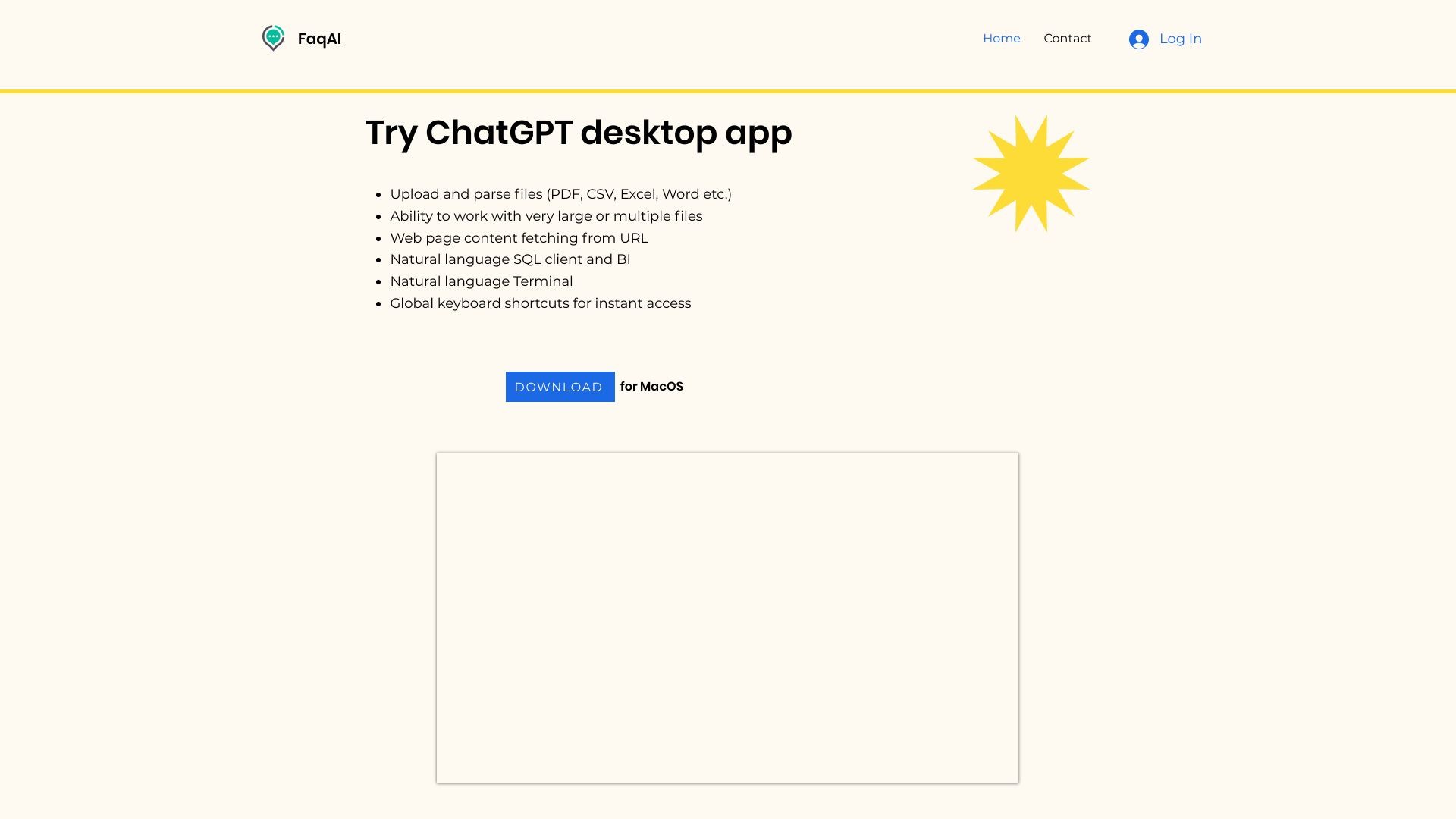
FileWork is a powerful online platform that allows users to easily upload and work with various file types such as PDF, CSV, Excel, and Word. It also supports handling large files, including books, and allows simultaneous work on multiple files. In addition, FileWork enables users to fetch content from websites and perform actions using natural language for executing Terminal commands and writing SQL queries to connect to databases. Another key feature of FileWork is the availability of global keyboard shortcuts for quick and efficient navigation.
How to use FileWork?
To use FileWork, simply sign up for an account on our website. Once signed in, you can easily upload your desired files by clicking on the 'Upload' button. From there, you can manipulate the files, perform actions using natural language commands, and utilize the various features available. FileWork provides a user-friendly interface with intuitive controls, making it easy for users of all skill levels to navigate and accomplish their tasks effectively.
FileWork's Core Features
File upload and management
Support for various file types
Handling large or multiple files
URL fetching and website content manipulation
Natural language commands for executing Terminal actions
Natural language queries for SQL and database connectivity
Global keyboard shortcuts for quick navigation
FileWork's Use Cases
#1
FileWork can be used for a variety of purposes, including editing and organizing files, extracting and manipulating data from websites, automating tasks using Terminal commands, and analyzing data through SQL querying. Whether you are a student, professional, or anyone dealing with files and data, FileWork provides a convenient and efficient platform to streamline your workflow.
FAQ from FileWork
Can I upload files larger than 1GB?
Is FileWork compatible with all file formats?
Can I automate tasks using FileWork?
Does FileWork provide keyboard shortcuts?
Can I connect to databases using FileWork?