
Capsule
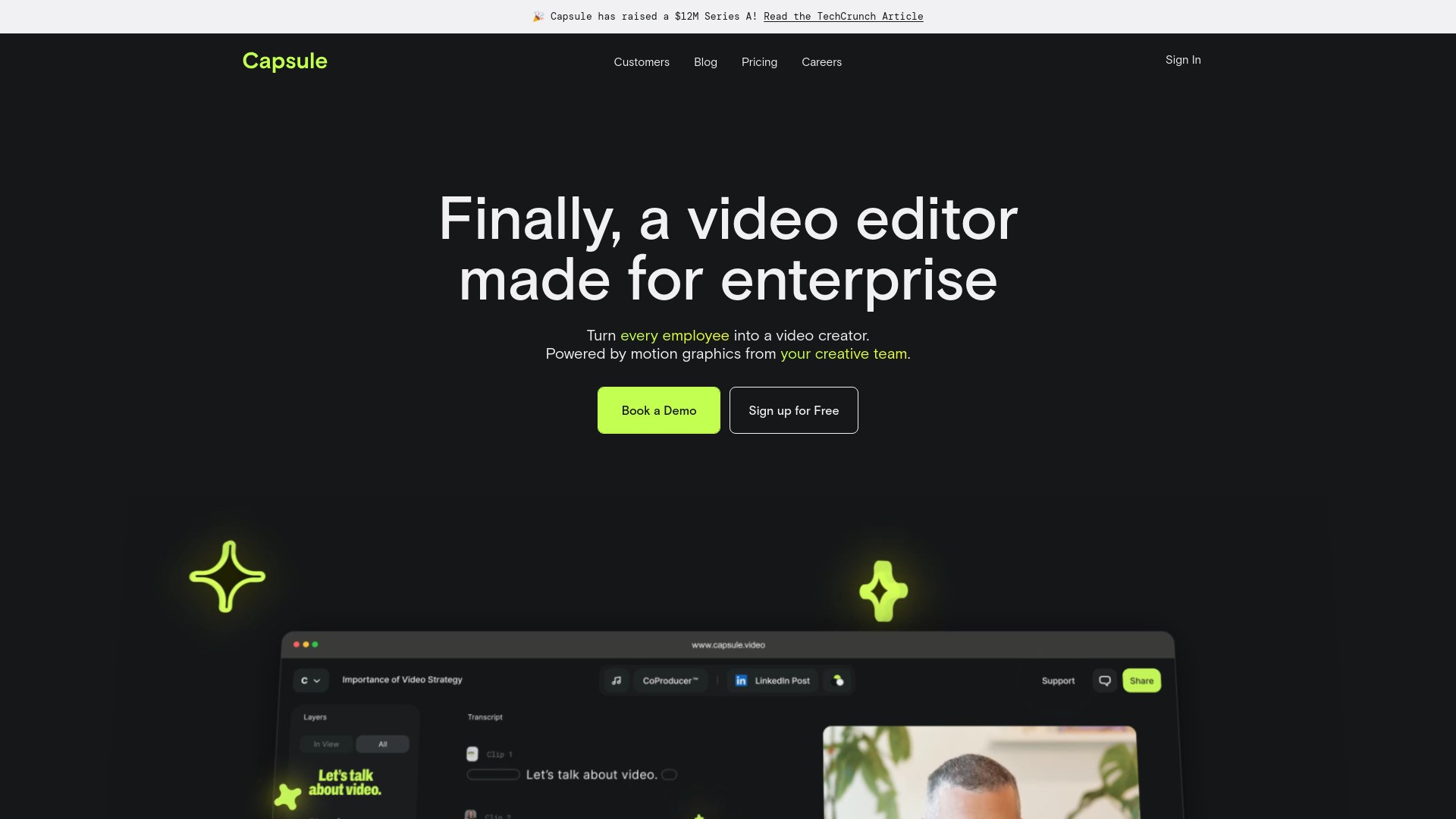
AI video editor for fast, collaborative content creation.
软件新闻
暂无相关新闻。
使用指南
What is Capsule?
Capsule is an AI-powered video editor designed for content and marketing teams, enabling fast video creation, collaboration, and brand consistency.
How to use Capsule?
To use Capsule, sign up for a free account, choose a template, upload your content, and start editing with AI-assisted features.
Capsule's Core Features
AI-powered video editing
Real-time collaboration
Responsive templates for branding
VoiceMagic for audio enhancement
Auto Frame for multi-platform editing
Capsule's Use Cases
#1
Create branded videos quickly
#2
Collaborate on video projects in real-time
#3
Transform content into social media posts
FAQ from Capsule
What makes Capsule different from other video editors?
Can I try Capsule for free?
What types of video formats can I export?
Capsule Support Email & Customer service contact & Refund contact etc.
More Contact, visit
the contact us page(https://meetings.hubspot.com/champ/intro-to-capsule)
Capsule Company
Capsule Company name:
Capsule.Video Inc.
.
Capsule Company address:
.
More about Capsule, Please visit
the about us page()
.
Capsule Login
Capsule Login Link:
https://studio.capsule.video/login
Capsule Sign up
Capsule Sign up Link:
https://admin.capsule.video/#/getstartedstudio?capsule_product=Studio
Capsule Pricing
Capsule Pricing Link:
https://capsule.video/pricing
Capsule Youtube
Capsule Youtube Link:
https://www.youtube.com/@capsulevideo
Capsule Linkedin
Capsule Linkedin Link:
https://www.linkedin.com/company/capsule-video
Capsule Twitter
Capsule Twitter Link:
https://twitter.com/MadeWithCapsule