
BestPhotoAI
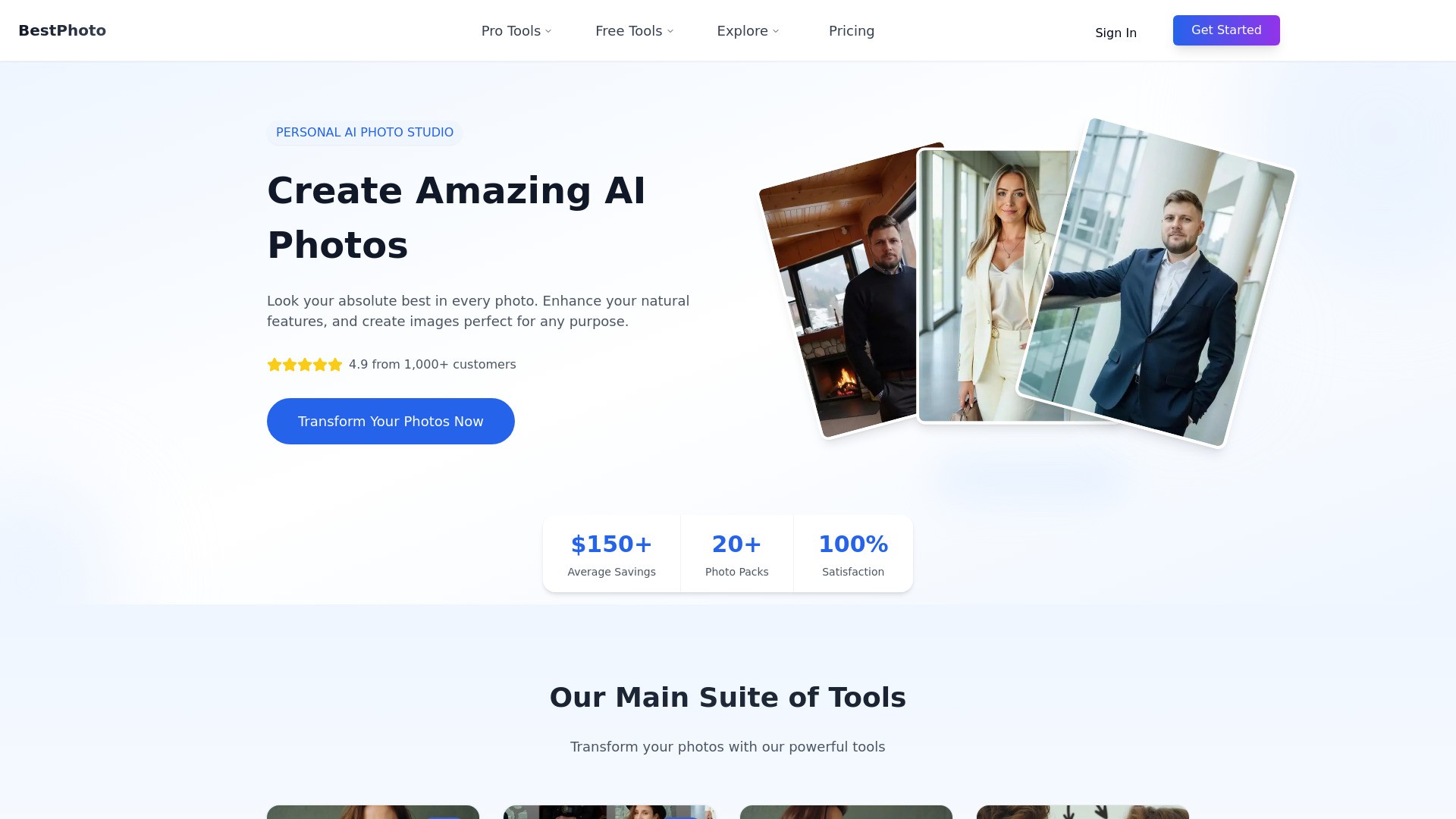
BestPhoto 是一个个人AI照片工作室,旨在帮助用户创建惊人的AI照片。它允许您提升自身特征并生成专业质量的图像,适用于任何目的,从专业头像、创意肖像到独特的社交媒体个人资料。
软件新闻
暂无相关新闻。
使用指南
What is BestPhotoAI?
BestPhoto offers a comprehensive suite of AI-powered tools for photo generation and editing. The platform features a main studio where users can train the AI on their own photos to create packs of styled images, such as professional headshots, celebrity-style portraits, and Tinder profile pictures.
In addition to the photo pack generator, BestPhoto provides a powerful AI Image Editor with eight distinct modes: Replace, Restyle, Remove, Re-composition, Add Objects, Restoration, Clothing Replacement, and Concept Replacement. These tools allow for sophisticated edits using simple text descriptions.
The platform also includes a wide array of over 50 free-to-try tools for instant transformations like hair color changes, background removal, photo restoration, and various creative video effects, many of which do not require signup.
How to use BestPhotoAI?
For AI Photo Packs (like Headshots):
Select a photo pack and style from the diverse collection.
Upload 10-14 of your own photos for the AI to learn from.
The AI generates a collection of transformed photos, which are typically ready for download in about 40-60 minutes.
For the AI Image Editor & Free Tools:
Upload an image.
Choose an editing mode or a specific free tool.
Describe the desired change in words (for the editor) or simply apply the effect.
Download the transformed image instantly or in seconds.
BestPhotoAI's Core Features
AI Photo Studio: Train a personal AI model on your photos to generate custom images.
Professional Headshot Generation: Create business-ready headshots in various professional styles.
Themed Photo Packs: Generate images in styles like Celebrity, Keynote Speaker, Tinder, and more.
AI Image Editor: Edit photos using text prompts with 8 powerful modes, including Replace, Restyle, and Remove objects.
AI Generator (Text-to-Image): Create images from scratch by writing a description.
Video Generator: Animate static images with AI.
Face Swap: Swap faces in any image.
50+ Free-to-Try Tools: A-la-carte tools for hair color change, background removal, photo restoration, video effects, and more, with no signup required.
BestPhotoAI's Use Cases
#1
Creating professional headshots for LinkedIn, websites, and business profiles.
#2
Generating unique and engaging photos for dating apps like Tinder.
#3
Designing creative portraits and artistic images for social media.
#4
Restoring and colorizing old or damaged family photos.
#5
Quickly editing photos by removing unwanted objects, people, or backgrounds.
#6
Experimenting with different looks by changing hairstyles, outfits, or makeup virtually.
#7
Creating marketing materials, product photos, and other commercial projects.
#8
Transforming photos into fantasy characters, anime art, or other creative concepts.
FAQ from BestPhotoAI
How do the credits work?
Can I use created images for commercial projects?
Can I try BestPhoto for free?
How to generate beautiful images?
BestPhotoAI Support Email & Customer service contact & Refund contact etc.
More Contact, visit
the contact us page()
BestPhotoAI Company
BestPhotoAI Company name:
.
BestPhotoAI Company address:
.
More about BestPhotoAI, Please visit
the about us page()
.
BestPhotoAI Login
BestPhotoAI Login Link:
BestPhotoAI Sign up
BestPhotoAI Sign up Link: