Anomify
Anomify is an AI tool that detects anomalies and aids in faster debugging.
软件新闻
暂无相关新闻。
使用指南
What is Anomify?
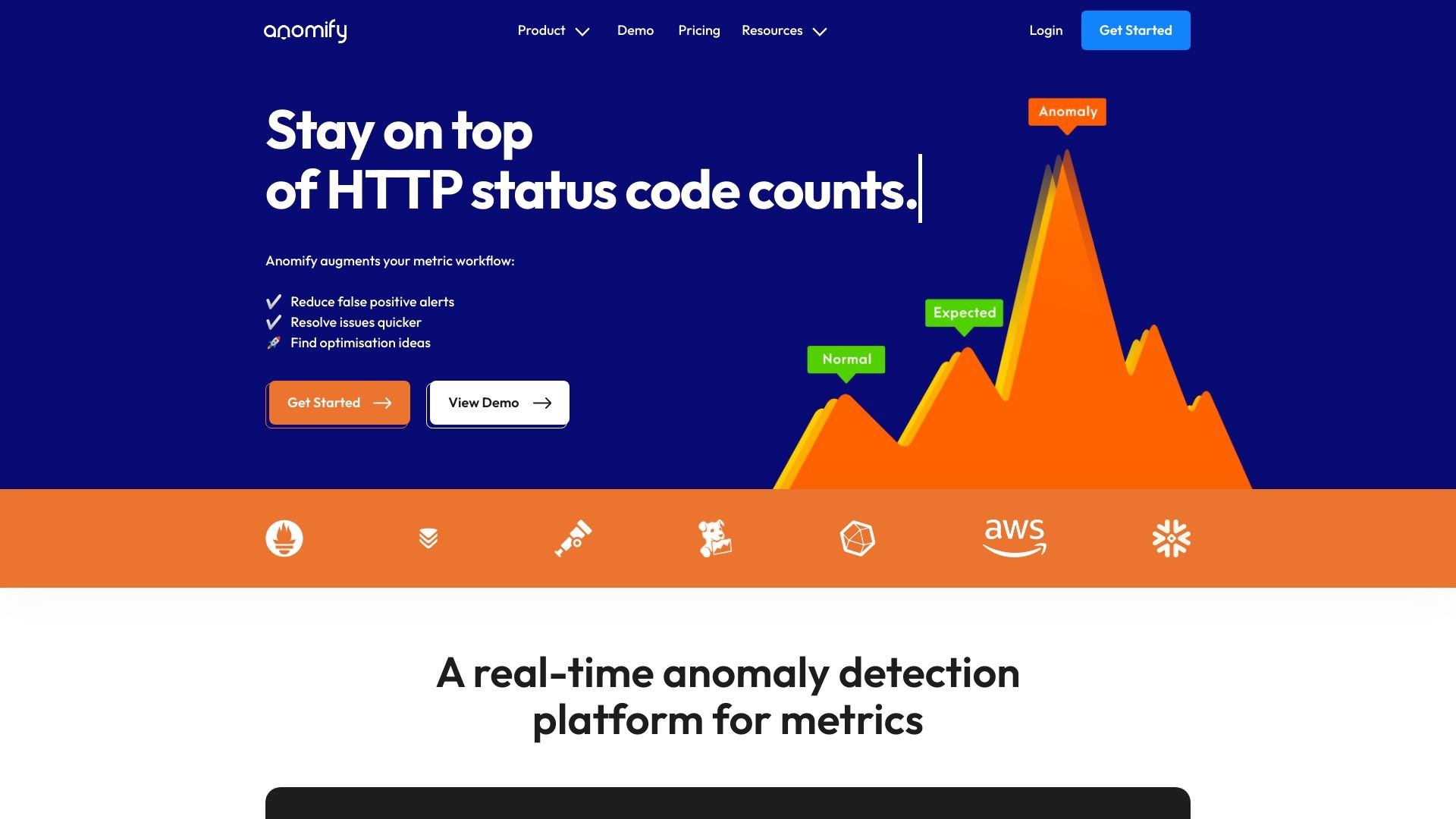
Anomify is a real-time anomaly detection AI that helps users react to changes in their time series metrics. It detects anomalies, reduces false positives, and aids in faster debugging.
How to use Anomify?
To use Anomify, follow these steps:
1. Sign up for an account.
2. Connect your metrics source to Anomify, either through dedicated endpoints, Telegraf, Graphite, or Prometheus.
3. Anomify will continuously analyze your metrics for anomalies and correlations.
4. Set up alerts on the metrics that matter most to you.
5. Train the system when false positive anomalies occur to improve accuracy.
Anomify's Core Features
The core features of Anomify include:
1. Real-time analysis: Anomify continuously analyzes metrics and detects anomalies in real-time.
2. Cutting-edge detection: It uses a consensus of cutting-edge algorithms, including supervised machine learning, pattern matching, correlation, and custom algorithms.
3. Reduce false positive alerts: Anomify uses seasonal pattern recognition and machine learning to reduce false positives.
4. Resolve issues quicker: Anomify provides a list of metrics that changed unexpectedly during an issue, making it easier to identify the root cause.
5. Find optimization ideas: Anomify highlights metrics that behaved abnormally, often suggesting optimization opportunities.
Anomify's Use Cases
#1
Anomify is useful for the following roles:
1. Managers: It provides peace of mind by monitoring the system's performance.
2. Site Reliability Engineers: Anomify helps minimize downtime and offers insights for optimization.
3. Devops engineers: It reduces pager fatigue and streamlines issue resolution for better devops practices.
FAQ from Anomify
Will Anomify work with my stack?
How does Anomify compare to other monitoring tools?
Is it hard to set up?
Can I add or remove metrics after signing up?
What happens if I send more metrics than I've paid for?
Does Anomify offer discounts for annual commitments?
How long does it take for analysis to become useful?
How does training the system improve Anomify?
When does my billing cycle start and end?
What happens if I cancel my plan?
Anomify Support Email & Customer service contact & Refund contact etc.
Here is the Anomify support email for customer service:
[email protected]
.
More Contact, visit
the contact us page(https://anomify.ai/contact)
Anomify Login
Anomify Login Link:
https://venus.anomify.ai/#/login
Anomify Sign up
Anomify Sign up Link:
https://venus.anomify.ai/#/signup
Anomify Pricing
Anomify Pricing Link:
https://anomify.ai/pricing
Anomify Github
Anomify Github Link:
https://github.com/coull